See your options side by side
Choose one task and 2–4 tools. Compare pricing, output, test results and trust.
Test scope & comparison notes
These are recorded facts, not a unified ranking. Tested tiers and scope are not consistently recorded. Read pricing with its date and timing with its conditions. Privacy observations reflect visible flows and statements, not a security audit.
Cross-task capability coverage across selected products
Each product is scored independently per task edge; switch tasks below while keeping shared products selectedSelect at least 2 tools to compare
You can also filter a task page first, then compare your shortlist.
Browse this task →| Criterion | CleverPDF PDF to Word 83/100 Seven-aspect task score Free login-free conversion retains text and tables and offers deletion; a fullscreen ad with a download-like button complicates retrieval. Tested export DOCX · Output attached Historical test · 2026-10-18 | PDFgear PDF to Word 82/100 Seven-aspect task score Free login-free access includes deletion, but a skippable sharing prompt interrupts conversion and tables retain only visual borders, hindering edits. Tested export DOCX · Output attached Historical test · 2026-10-18 |
|---|---|---|
| Pricing & rules | ||
| Pricing plans | CleverPDF online PDF-to-Word; desktop licences outside this web scope · 2026-10-20 Plan · source date Monthly / one-time Annual bill / period Quota & limits Online free2026-10-20 ↗ Free Free Free DOCX or DOC output; free online. Batch and larger files are promoted for the desktop edition; web limits are not listed. 1 plan / billing-period records, all listed; — means that period is not recorded. The web tool is stated to remain free without membership. Desktop software is a separate channel; historical desktop starting prices are not treated as web fees. Cancellation, sources & verification recordCancellation and refund terms follow official checkout and help policies. Official feature and pricing page ↗ · 2026-10-20 Capture 1 ↗ | PDFgear web PDF-to-Word; free desktop alternative noted separately · 2026-10-20 Plan · source date Monthly / one-time Annual bill / period Quota & limits Web free2026-10-20 ↗ Free Free Free One PDF at a time, up to 100 MB; OCR is claimed by the vendor. Batch processing and no file-size limit are desktop features. 1 plan / billing-period records, all listed; — means that period is not recorded. The official web limit is 100 MB per file. Its OCR claim is not a RealTest scanned-document test. Desktop batch and offline processing are not web capabilities. Cancellation, sources & verification recordCancellation and refund terms follow official checkout and help policies. Official feature and pricing page ↗ · 2026-10-20 Capture 1 ↗ |
| Free & trial allowance on the test date | 100% free single-file conversion on web (up to 20 MB per file); batch processing and larger files upsell the CleverPDF desktop app | Both the web tool (including Advanced OCR) and cross-platform desktop/mobile apps are currently 100% free |
| Cancellation & refunds | Cancellation and refund terms follow official checkout and help policies. | Cancellation and refund terms follow official checkout and help policies. |
| Disclosure of costs & limits | Genuinely free, but users without an ad blocker face an aggressive full-screen fake download extension modal | Completely free throughout; only requires clicking 'skip' on the social share modal |
| Task quality | ||
| Measured fixture results | Text retained: 100% · Editable table cells: 16 · Page 2 preserved: Yes | Text retained: 100% · Editable table cells: 0 · Page 2 preserved: Yes |
| Fixture findings | Text and editable tables were retained in this test; an extension ad resembled a download prompt. | Text was retained but tables were not editable grids; a sharing prompt appeared during conversion. |
| Original historical observation | CleverPDF pairs top-tier OpenXML reconstruction (100% text retention + 16-cell native <w:tbl> table + 30-minute auto-delete & instant Delete button in 03_download.png) with an aggressive full-screen green 'DOWNLOAD EXTENSION' ad overlay (03_ad_modal.png) that drags down its interaction restraint score. | PDFgear stays true to its 100% free philosophy—offering both Standard and Advanced OCR modes without login (02_workspace.png) and exporting a 16.0 KB .docx with 100% text retention and instant deletion (03_download.png); its only drawbacks are a 'Share to Continue' prompt with a faint gray 'skip' button (03_share_modal.png) and paragraph-based rather than native <w:tbl> table reconstruction. |
| Suitable uses · historical assessment | Users with an ad blocker who want a 100% free, no-login converter that accurately reconstructs native 16-cell Word tables | Users who detest paywalls and third-party ads or need free OCR text recognition on scanned PDFs |
| Result & output evidence | ||
| Scans / OCR | The fixture is a text PDF; scans and OCR were not tested | The fixture is a text PDF; scans and OCR were not tested |
| Delivery capabilities | ||
| Recorded export specifications | DOCX · Output attached · No watermark in test | DOCX · Output attached · No watermark in test |
| Historical specification note · not an official maximum | Full 2-page native .docx (15.5 KB, 76 paragraphs + 16-cell native table, watermark-free) | Full 2-page unwatermarked .docx (16.0 KB, 39 paragraphs, free OCR mode supported) |
| Watermark observation | No watermark | No watermark |
| Batch & API | Single-file web conversion with Google Drive / Dropbox export; batch processing on desktop | Single-file conversion on web; unlimited local batch conversion via free Windows/macOS desktop app |
| Recorded free-tier dimensions | Not verified | Not verified |
| Attached file dimensions | Not verified | Not verified |
| Published allowances & file limits · not tested | Online free: DOCX or DOC output; free online. Batch and larger files are promoted for the desktop edition; web limits are not listed. | Web free: One PDF at a time, up to 100 MB; OCR is claimed by the vendor. Batch processing and no file-size limit are desktop features. |
| Speed & reliability | ||
| Timing observation | Network-observed server wait: 8s · End-to-end reference: 9.2s | Network-observed server wait: 10.8s · End-to-end reference: 12.3s |
| Date & fixture | 2026-10-18 · anchor_pdf2word_v1 · US-West (California, AS2914) | 2026-10-18 · anchor_pdf2word_v1 · US-West (California, AS2914) |
| Repeated tests & reliability | No standardized repetition count, success rate or variability range is recorded. | No standardized repetition count, success rate or variability range is recorded. |
| Interaction experience | ||
| Account requirements | No login in this test | No login in this test |
| Sign-in methods | No login or registration required | No login or registration required |
| Manual adjustment | Not verified | Not verified |
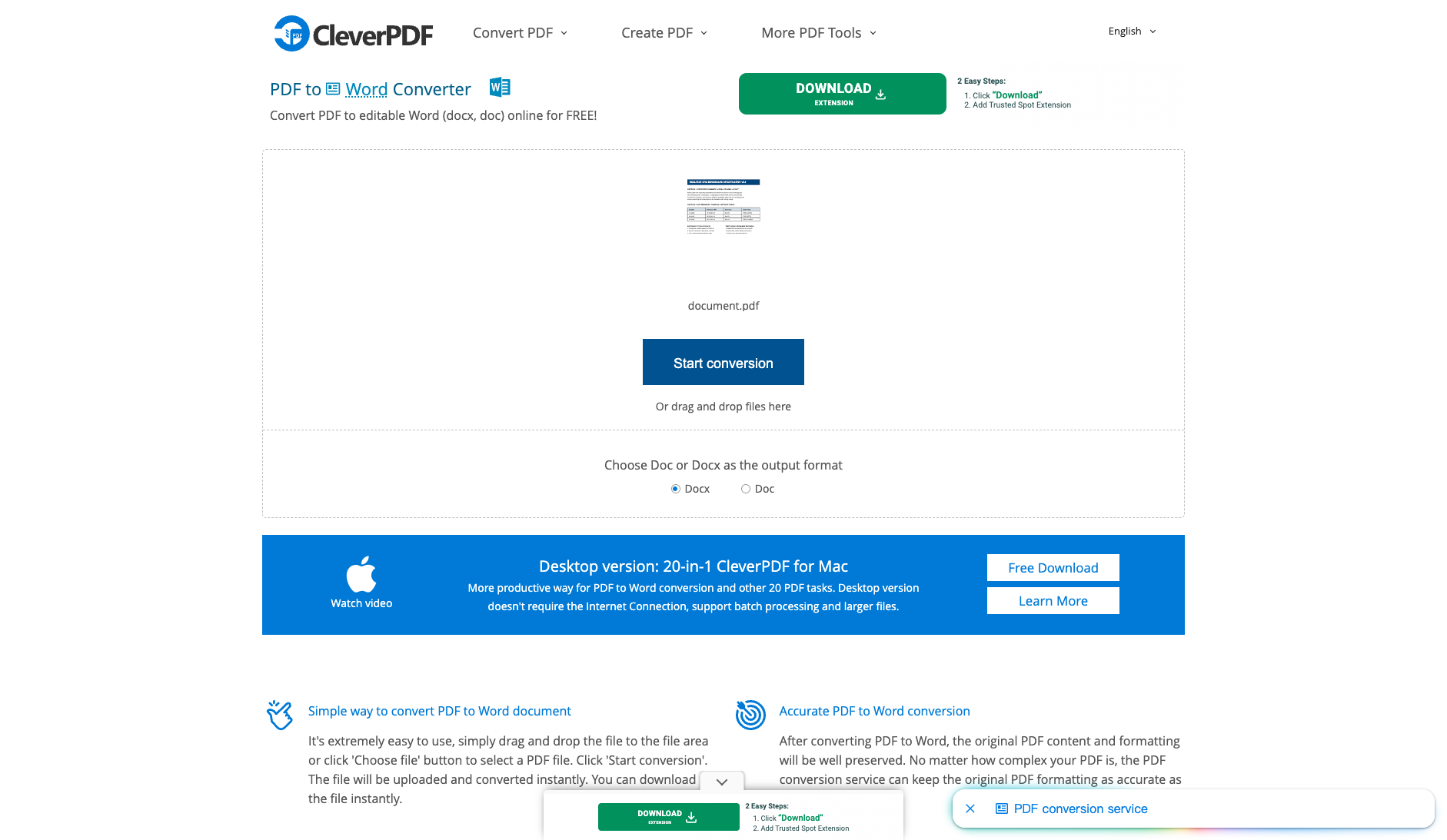
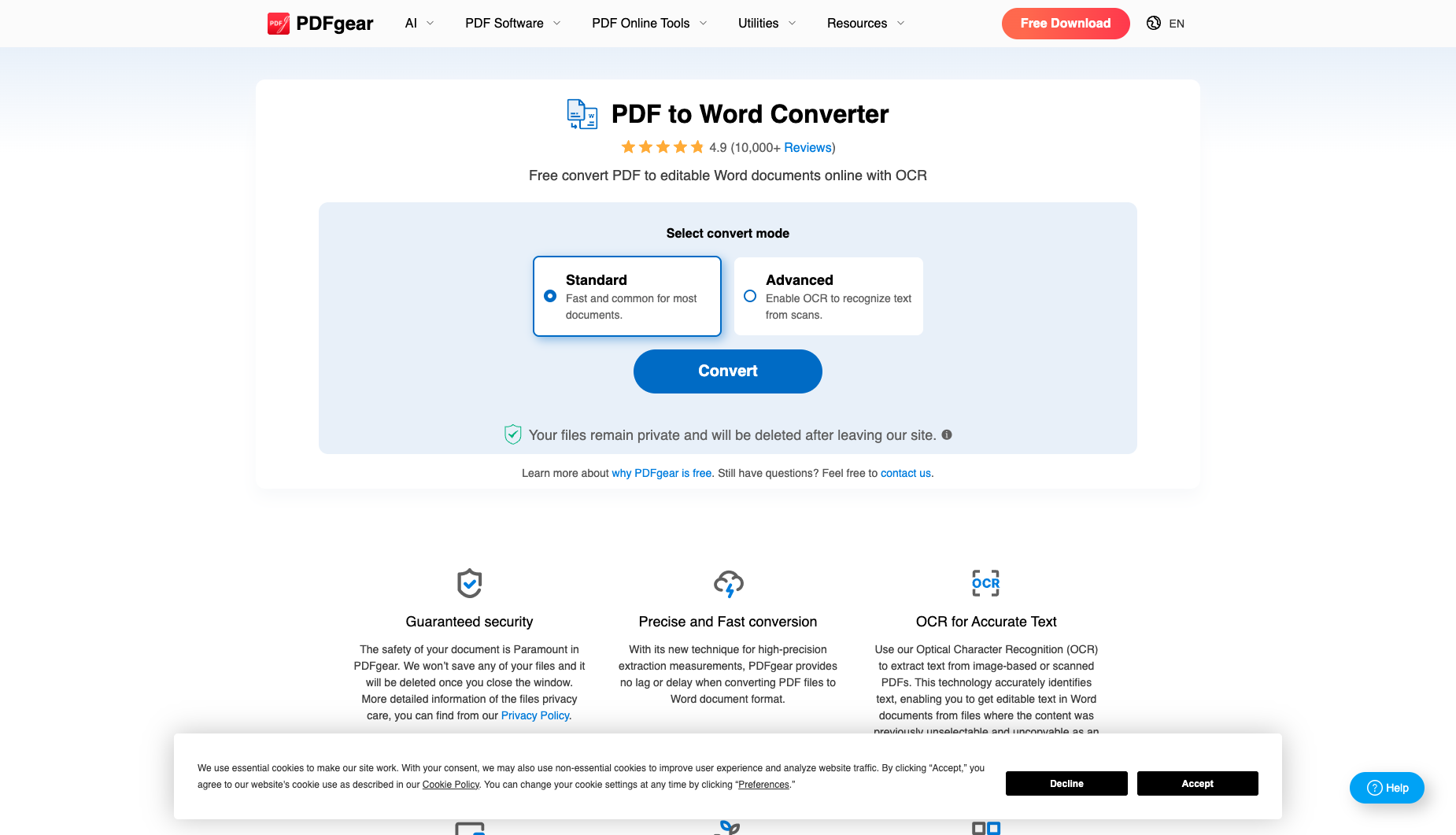
| Interaction observations | Severe deceptive interstitial ad trap: clicking 'Start conversion' immediately triggers a full-screen Google AdSense vignette modal featuring a giant green 'DOWNLOAD EXTENSION — 2 Easy Steps: 1. Click Download 2. Add Trusted Spot Extension' button (03_ad_modal.png) that hijacks the user's download flow and opens a third-party tab requesting browser notification permissions; users must click the tiny 'Close' button in the top-right corner to reveal the real blue Download button (03_download.png). | Zero third-party banner ads, though clicking 'Convert' pops up a 'Share to Continue — Share this tool on social media to unlock access and continue converting your files' prompt with a faint gray 'skip' link at the bottom (03_share_modal.png). |
| Background & reputation | ||
| Service lifecycle notice | Not verified | Not verified |
| Operator | CleverPDF.com | PDFgear Tech Pte. Ltd. (pdfgear.com) |
| Recorded origin | Global Online PDF Suite | Singapore |
| Domain history record | 2017–Present (9-year online PDF converter) | 2022–Present (fast-growing free cross-platform PDF suite) |
| Background & reputation assessment | Operated by CleverPDF.com since 2017, offering 44 online PDF utilities alongside CleverPDF for Mac/Windows desktop software. | Operated by Singapore-based PDFgear Tech Pte. Ltd., widely praised across tech communities for its 100% free Windows, macOS, iOS, and Android apps. |
| External reputation record | Not verified | Not verified |
| Engineering & privacy | ||
| Processing location | Uploaded for cloud processing | Uploaded for cloud processing |
| Third-party tracking record | Not verified | Not verified |
| Engineering & privacy assessment | Provides an instant trash-can 'Delete' button right next to Download and explicitly guarantees automatic server removal within 30 minutes (03_download.png). | Provides an instant trash-can delete icon right beside 'Download File' and explicitly states 'Your files remain private and will be deleted after leaving our site' (03_download.png). |
| Retention statement | Claims deletion within 30 minutes; deletion not independently verified | Explicit retention period unconfirmed; inspect policy record |
| Evaluation basis | ||
| Pricing transparency | 30 / 35 Web PDF-to-Word conversion (.docx and .doc) is genuinely 100% free with no login, no paywall, no page truncation, and no watermark (02_workspace.png, 03_download.png). | 33 / 35 Genuinely free with no subscription paywall, no registration requirement, no watermark, and even makes its 'Advanced (Enable OCR to recognize text from scans)' mode completely free for guests (02_workspace.png, 03_download.png). |
| Interaction restraint | 10 / 30 Severe deceptive interstitial ad trap: clicking 'Start conversion' immediately triggers a full-screen Google AdSense vignette modal featuring a giant green 'DOWNLOAD EXTENSION — 2 Easy Steps: 1. Click Download 2. Add Trusted Spot Extension' button (03_ad_modal.png) that hijacks the user's download flow and opens a third-party tab requesting browser notification permissions; users must click the tiny 'Close' button in the top-right corner to reveal the real blue Download button (03_download.png). | 19 / 30 Zero third-party banner ads, though clicking 'Convert' pops up a 'Share to Continue — Share this tool on social media to unlock access and continue converting your files' prompt with a faint gray 'skip' link at the bottom (03_share_modal.png). |
| Background & reputation | 15 / 20 Operated by CleverPDF.com since 2017, offering 44 online PDF utilities alongside CleverPDF for Mac/Windows desktop software. | 18 / 20 Operated by Singapore-based PDFgear Tech Pte. Ltd., widely praised across tech communities for its 100% free Windows, macOS, iOS, and Android apps. |
| Engineering & privacy | 13 / 15 Provides an instant trash-can 'Delete' button right next to Download and explicitly guarantees automatic server removal within 30 minutes (03_download.png). | 14 / 15 Provides an instant trash-can delete icon right beside 'Download File' and explicitly states 'Your files remain private and will be deleted after leaving our site' (03_download.png). |
| Task quality | 60 / 65 Outstanding OpenXML reconstruction: 100.0% text retention (4/4 headings, 3/3 body phrases, Page 2 verified) and 100% native Word <w:tbl> table reconstruction (4 rows, 16 cells, 12/12 data values intact) (60.0/65) | 51 / 65 OpenXML inspection confirms 100.0% text retention (all 4/4 headings, 12/12 table values, 3/3 body phrases, and Page 2 code preserved) with 3 background graphics preserving visual table borders, though it does not generate a native Word <w:tbl> table object (51.0/65) |
| Deliverable specifications | 18 / 20 Exports a complete, unwatermarked 15.5 KB .docx (or .doc) with zero login friction once the ad overlay is closed (18.0/20) | 18 / 20 Exports a clean 16.0 KB .docx with no login or watermark, plus free optional Advanced OCR mode (18.0/20) |
| Processing speed | ||