See your options side by side
Choose one task and 2–4 tools. Compare pricing, output, test results and trust.
Test scope & comparison notes
These are recorded facts, not a unified ranking. Tested tiers and scope are not consistently recorded. Read pricing with its date and timing with its conditions. Privacy observations reflect visible flows and statements, not a security audit.
Cross-task capability coverage across selected products
Each product is scored independently per task edge; switch tasks below while keeping shared products selected| Task edge | WorkinTool | lightpdf.com | Switch / compare |
|---|---|---|---|
| PDF to Word | 85/100 DOCX · Output attached | 78/100 DOCX · Output attached | Active task |
| PDF compression | Not tested in topic | 88/100 PDF · Output attached | Compare in task topic → |
| Scanned PDF OCR | Not tested in topic | 82/100 DOCX · Output attached | Compare in task topic → |
| PDF merge & split | 91/100 PDF · Output attached | 90/100 PDF · Output attached |
Select at least 2 tools to compare
You can also filter a task page first, then compare your shortlist.
Browse this task →| Criterion | WorkinTool PDF to Word Converter Online PDF to Word 85/100 Seven-aspect task score Login-free conversion has upfront free limits and retains text; a 0.5MB file cap and extra empty table cells narrow its usefulness. Tested export DOCX · Output attached Historical test · 2026-10-19 | LightPDF PDF to Word 78/100 Seven-aspect task score After free account sign-in, the exported DOCX preserves both pages of text and a native editable table with solid fidelity, but guests are blocked by a login modal at the download step after conversion. Tested export DOCX · Output attached Historical test · 2026-10-19 |
|---|---|---|
| Pricing & rules | ||
| Pricing plans | WorkinTool web PDF-to-Word · 2026-10-20 Plan · source date Monthly / one-time Annual bill / period Quota & limits 1 plan / billing-period records, all listed; — means that period is not recorded. The online tool is free, with 4 files per batch and 0.5 MB per file. Historical desktop Pro pricing has no current purchase evidence and is not a web plan. Cancellation, sources & verification recordCancellation and refund terms follow official checkout and help policies. Official feature and pricing page ↗ · 2026-10-20 Capture 1 ↗ | LightPDF Individual Free, Monthly, Annual and Perpetual plans; Team & Business and Education tabs priced separately · 2026-10-21 Plan · source date Monthly / one-time Annual bill / period Quota & limits Free Plan2026-10-21 ↗ Free Free Free Web only; max file size 10 MB, 1-year cloud storage for up to 5 files; downloading converted DOCX requires signing in to a free account Monthly Plan2026-10-21 ↗ USD 19.99/month — Monthly 1-month full access to all PDF tools across Web, Mobile and Desktop, unlimited file size, plus 1,000 AI credits/month Promotional price USD 19.99/month (strikethrough USD 29.99), billed monthly, cancel anytime;Unused AI credits expire monthly Annual Plan2026-10-21 ↗ — USD 49.99/year Annual 1-year full access to all PDF tools across 5 platforms (1 active device at a time), unlimited file size, plus 1,000 AI credits/month 3-day free trial then USD 49.99/year (strikethrough USD 89.99; skipping trial saves USD 5);1,000 AI credits per month expire monthly Perpetual Plan (Lifetime)2026-10-21 ↗ USD 109.99 · one-time payment Usage / one-time Usage / one-time One-time payment for lifetime access to all PDF tools across 5 platforms, unlimited file size, plus 40,000 AI credits 40,000 AI credits granted instantly and valid until used 4 plan / billing-period records, all listed; — means that period is not recorded. Individual pricing lists Free, Monthly USD 19.99, Annual USD 49.99 (with 3-day trial or $5 skip-trial discount), and Perpetual USD 109.99; per-feature AI credit deductions require hover tooltips and enterprise plans require custom quotes. Verification has gaps; unknown prices and quotas are not inferred. Cancellation, sources & verification recordCancel recurring subscriptions via support ticket or payment platform email link; money-back guarantee is 30 days for Perpetual, 7 days for Annual, and 3 days for Monthly. LightPDF official Individual pricing page ↗ · 2026-10-21 Capture 1 ↗ |
| Free & trial allowance on the test date | Web version allows up to 4 files at a time, strictly capped at ≤0.5 MB (500 KB) per file; files over 0.5 MB require downloading the Windows desktop client | Downloaded valid 39,398-byte DOCX after free Google sign-in; 1 table (16 cells), Page 2, and 100% of text checkpoints preserved. |
| Cancellation & refunds | Cancellation and refund terms follow official checkout and help policies. | Cancel recurring subscriptions via support ticket or payment platform email link; money-back guarantee is 30 days for Perpetual, 7 days for Annual, and 3 days for Monthly. |
| Disclosure of costs & limits | 'Up to 4 files at a time within 0.5 MB' is displayed above the upload button before file selection | Not verified |
| Task quality | ||
| Measured fixture results | Text retained: 100% · Editable table cells: 32 · Page 2 preserved: Yes | Text retained: 100% · Editable table cells: 16 · Page 2 preserved: Yes |
| Fixture findings | Text was retained in this test; the historical free input limit was only 0.5MB, restrictive for illustrated PDFs. | Preserved both pages of text, all key tokens, and one editable 4x4 table with high layout fidelity. |
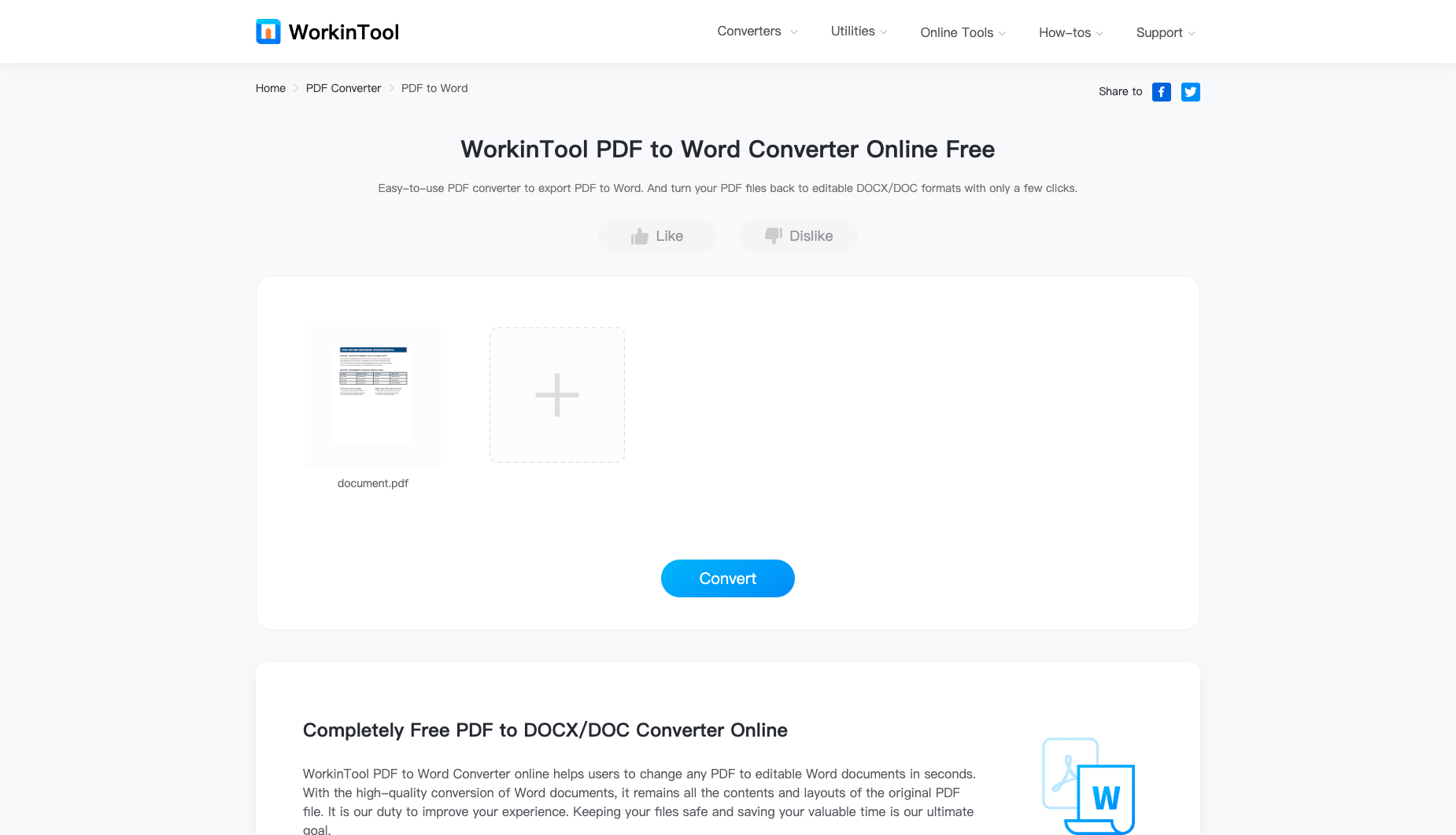
| Original historical observation | WorkinTool states its rule upfront ('Up to 4 files at a time within 0.5 MB'): our 3.6 KB vector anchor PDF converts smoothly in 4.8s with 100% text retention, but the 500 KB ceiling is far too small for most everyday PDFs (01_landing.png, 02_workspace.png, 03_download.png). | Downloaded valid 39,398-byte DOCX after free Google sign-in with 100% text retention, Page 2 preserved, and 1 native 16-cell table. |
| Suitable uses · historical assessment | Users who only need to convert tiny (<500 KB) text-only memos or invoices without logging in | Not verified |
| Result & output evidence | ||
| Scans / OCR | The fixture is a text PDF; scans and OCR were not tested | The fixture is a text PDF; scans and OCR were not tested |
| Delivery capabilities | ||
| Recorded export specifications | DOCX · Output attached · No watermark in test | DOCX · Output attached · Check watermark record |
| Historical specification note · not an official maximum | Full 2-page native .docx (watermark-free, but web tool strictly caps input at ≤0.5 MB) | Not verified |
| Watermark observation | Watermark-free | Not verified |
| Batch & API | Supports up to 4 small (≤0.5MB) files concurrently; no public API | Not verified |
| Recorded free-tier dimensions | Not verified | Not verified |
| Attached file dimensions | Not verified | Not verified |
| Published allowances & file limits · not tested | Online free: Up to 4 PDFs per batch; up to 0.5 MB each; no registration. | Free Plan: Web only; max file size 10 MB, 1-year cloud storage for up to 5 files; downloading converted DOCX requires signing in to a free account |
| Speed & reliability | ||
| Timing observation | Network-observed server wait: 4.8s · End-to-end reference: 5.4s | Network-observed server wait: 6.45s · End-to-end reference: 10.01s |
| Date & fixture | 2026-10-19 · anchor_pdf2word_v1 · US-West (California, AS2914) | 2026-10-19 · anchor_pdf2word_v1 · US-West (California, AS2914) |
| Repeated tests & reliability | No standardized repetition count, success rate or variability range is recorded. | No standardized repetition count, success rate or variability range is recorded. |
| Interaction experience | ||
| Account requirements | No login in this test | Not verified |
| Sign-in methods | No login required | Google / Facebook / Apple / email login required when clicking Download Files |
| Manual adjustment | Not verified | Not verified |
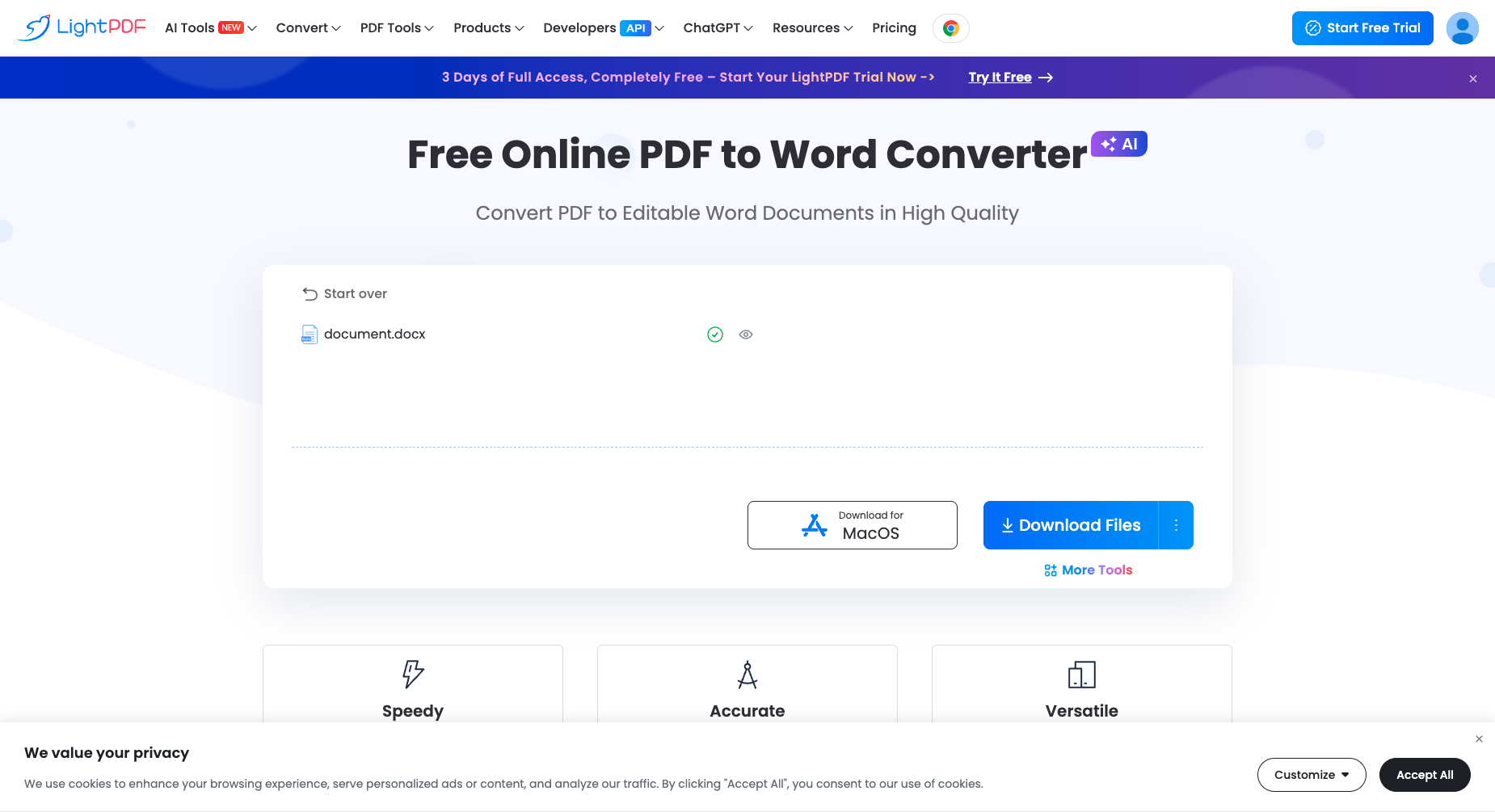
| Interaction observations | For PDF files under 0.5 MB, clicking Convert without login directly enables a blue Download button for a watermark-free .docx (02_workspace.png, 03_download.png) with no sign-up modal. | Uses a post-conversion login wall at the download step and places a "Download for MacOS" desktop app button beside Download Files. |
| Background & reputation | ||
| Service lifecycle notice | Not verified | Not verified |
| Operator | WorkinTool (workintool.com) | AI Document Tool Suite (Wangxu Tech / Apowersoft) |
| Recorded origin | Shanghai / International Utility Software Vendor | Not verified |
| Domain history record | 2021–Present | Not verified |
| Background & reputation assessment | Operated by utility software vendor WorkinTool, offering desktop and online PDF/data utilities. | Operated by Wangxu Technology (HK) Co., Limited (Apowersoft) since 2018. |
| External reputation record | Not verified | Not verified |
| Engineering & privacy | ||
| Processing location | Uploaded for cloud processing | Uploaded for cloud processing |
| Third-party tracking record | Not verified | Not verified |
| Engineering & privacy assessment | Uses HTTPS encryption ('Your files are secure') and purges temporary cloud files on a regular schedule. | Uploads to Alibaba Cloud Hong Kong OSS and converts via gw.aoscdn.com async task queue; requires account login to retrieve the converted DOCX. |
| Retention statement | Explicit retention period unconfirmed; inspect policy record | Explicit retention period unconfirmed; inspect policy record |
| Evaluation basis | ||
| Pricing transparency | 29 / 35 Discloses its restriction upfront above the upload button ('Up to 4 files at a time within 0.5 MB', 01_landing.png) rather than ambushing users after conversion, but a 0.5 MB (500 KB) file size cap is extremely restrictive and primarily serves to funnel users to the 'Desktop version →' button below. | 15 / 35 Landing page headlines "Free Online PDF to Word Converter" and completes cloud conversion for guests, but clicking Download Files triggers a mandatory login modal; after free Google sign-in, the full 38.5 KB DOCX downloads without payment. |
| Interaction restraint | 24.5 / 30 For PDF files under 0.5 MB, clicking Convert without login directly enables a blue Download button for a watermark-free .docx (02_workspace.png, 03_download.png) with no sign-up modal. | 12 / 30 Uses a post-conversion login wall at the download step and places a "Download for MacOS" desktop app button beside Download Files. |
| Background & reputation | 16 / 20 Operated by utility software vendor WorkinTool, offering desktop and online PDF/data utilities. | 15 / 20 Operated by Wangxu Technology (HK) Co., Limited (Apowersoft) since 2018. |
| Engineering & privacy | 12.5 / 15 Uses HTTPS encryption ('Your files are secure') and purges temporary cloud files on a regular schedule. | 10 / 15 Uploads to Alibaba Cloud Hong Kong OSS and converts via gw.aoscdn.com async task queue; requires account login to retrieve the converted DOCX. |
| Task quality | 59 / 65 100.0% text retention across 73 editable paragraphs (1,259 chars), full Page 2 preservation, and native Word <w:tbl> table reconstruction (preserving all 12/12 core values across 32 total alignment/padding cells) (59.0/65) | 61 / 65 Exported a valid 39,398-byte (38.5 KB) DOCX (43 paragraphs): 4/4 headings, 12/12 table cell values, 3/3 body phrases, and the Page 2 marker are 100% preserved, and the 4×4 financial table is reconstructed as 1 native 16-cell Word table. |
| Deliverable specifications | 15 / 20 Exports a watermark-free 9.9 KB .docx without login, but the 0.5 MB (500 KB) web file size cap blocks most real-world image-containing PDFs (15.0/20) | 15.5 / 20 Signed-in free account exports a complete, watermark-free 2-page DOCX with native editable table structure; deducted for the post-conversion login gate on guest download. |
| Processing speed | 12.5 / 15 Small PDF cloud conversion completes in ~4.8s and displays 'document.docx Success' (12.5/15) | 12 / 15 2026-10-21 single-sample network timing: OSS upload and hash registration took 3.19s (PUT upload ~1.89s), and async conversion task /v2/tasks/conversion (r16 to r21) took 6.45s server wait (end-to-end 10.01s). |