See your options side by side
Choose one task and 2–4 tools. Compare pricing, output, test results and trust.
Test scope & comparison notes
These are recorded facts, not a unified ranking. Tested tiers and scope are not consistently recorded. Read pricing with its date and timing with its conditions. Privacy observations reflect visible flows and statements, not a security audit.
Cross-task capability coverage across selected products
Each product is scored independently per task edge; switch tasks below while keeping shared products selected| Task edge | tools.hellokeyboard.com | everytool4u.com | Switch / compare |
|---|---|---|---|
| Background removal | Not tested in topic | 73/100 1600 × 1600 · PNG | Compare in task topic → |
| Image compression | 92/100 JPEG · Output attached | 80/100 2048 × 2048 · PNG | Active task |
| PDF to Word | Not tested in topic | 81/100 DOCX · Output attached | Compare in task topic → |
| PDF compression | Not tested in topic | 81/100 PDF · Output attached | Compare in task topic → |
| Scanned PDF OCR | Not tested in topic | 96/100 PDF · Output attached | Compare in task topic → |
| PDF merge & split | Not tested in topic | 97/100 PDF · Output attached | Compare in task topic → |
Select at least 2 tools to compare
You can also filter a task page first, then compare your shortlist.
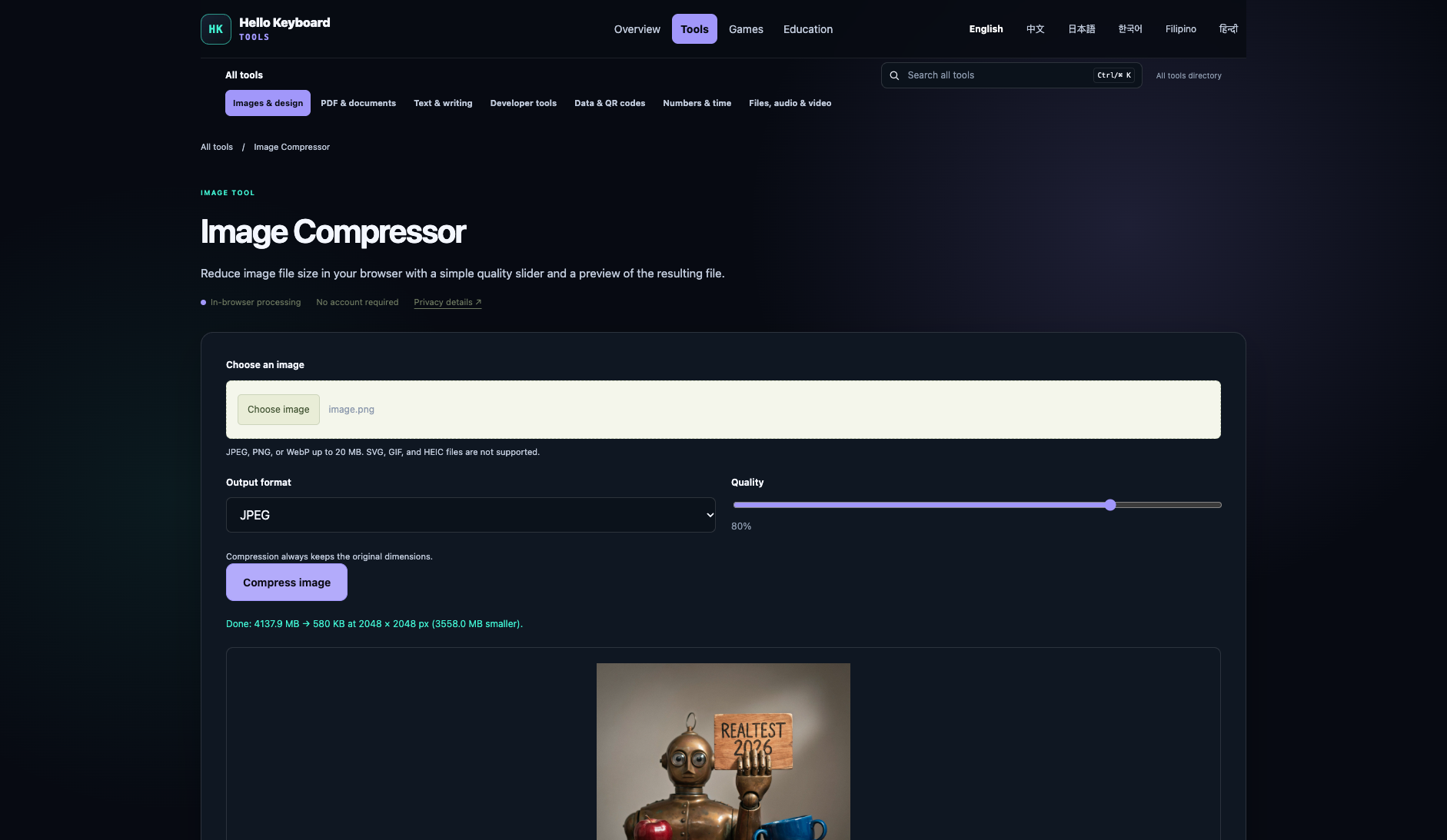
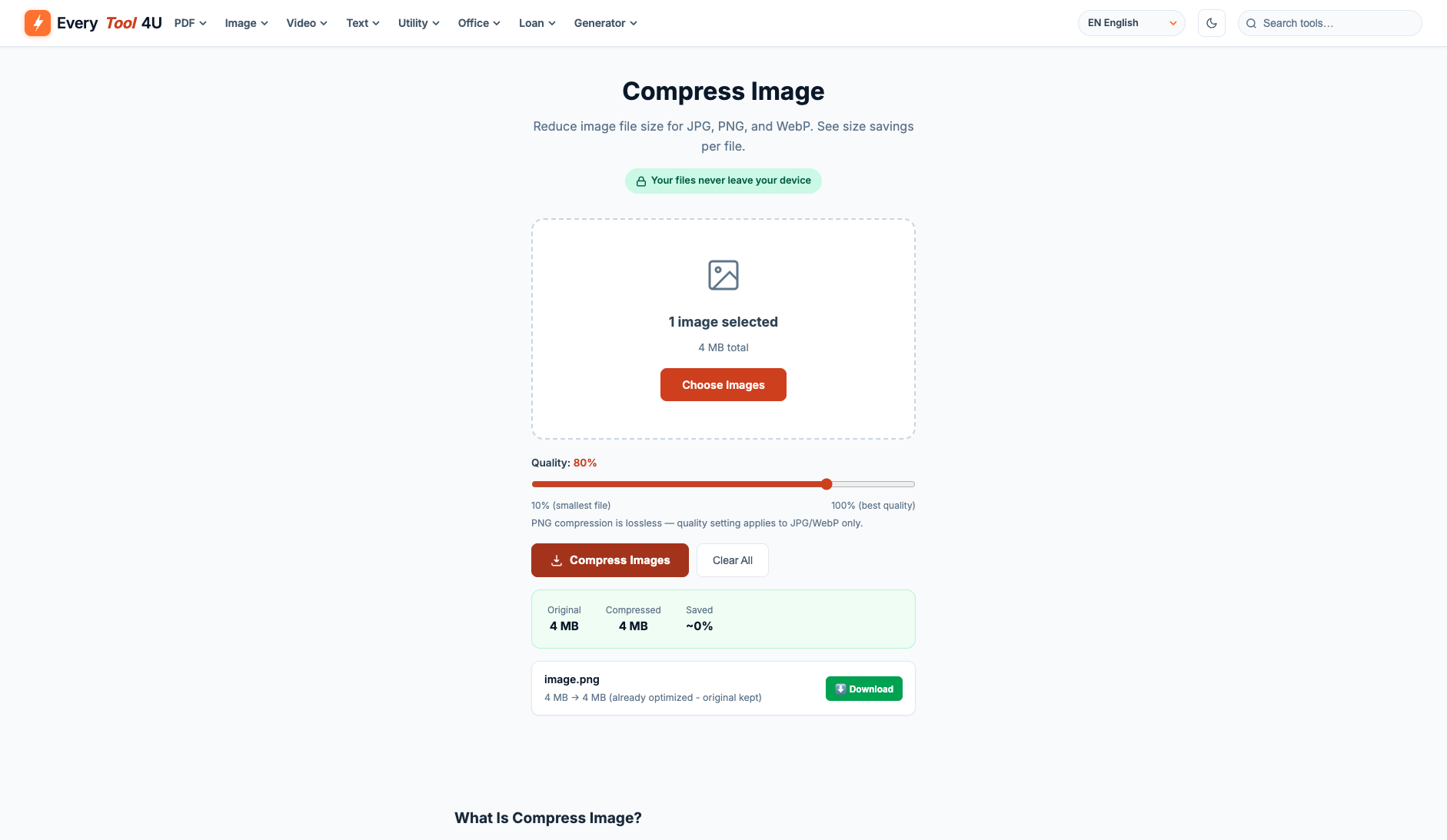
Browse this task →| Criterion | Hello Keyboard Tools Image compression 92/100 Seven-aspect task score Hello Keyboard Tools is a free, login-free client-side image compressor that achieves an 85.99% volume reduction (4.14 MB to 580 KB) in only 250ms at default 80% quality, reaching 42.34 dB PSNR and 0.9992 SSIM with complete local privacy and instant turnaround; as it defaults to JPEG output, users requiring transparency for PNG inputs should select the WebP format. Tested export JPEG · Output attached Historical test · 2026-11-06 | EveryTool4U Image compression 80/100 Seven-aspect task score EveryTool4U strictly maintains a lossless PNG preservation policy in the 4.14 MB PNG benchmark, processing locally in 1.15 seconds with instant export. The image retains 100% bit-level fidelity (PSNR = 99.99 dB, SSIM = 1.0) with 0.0% size reduction on this pre-optimized anchor. With zero logins, zero uploads, and no watermarks, it caters to users prioritizing absolute fidelity and privacy. Tested export 2048 × 2048 · PNG Historical test · 2026-11-05 |
|---|---|---|
| Pricing & rules | ||
| Pricing plans | Hello Keyboard Tools site-wide free utilities · 2026-11-06 Plan · source date Monthly / one-time Annual bill / period Quota & limits Web Free2026-11-06 ↗ Free Free Free Free use across all utilities without registration; supports up to 20 MB per file depending on the tool 1 plan / billing-period records, all listed; — means that period is not recorded. The official site declares tools are free to use, require no login, no subscription, with files primarily processed locally in the browser. Cancellation, sources & verification recordCompletely free utility suite; no subscription or cancellation required. Hello Keyboard Tools homepage declaration and tool directory ↗ · 2026-11-06 Capture 1 ↗ Hello Keyboard Tools privacy and processing policy ↗ · 2026-11-06 Capture 1 ↗ | EveryTool4U platform tool authorization and service pricing · 2026-11-01 Plan · source date Monthly / one-time Annual bill / period Quota & limits Free Tier2026-11-01 ↗ Free Free Free Unlimited usage across 109 online tools with no daily quota or queue limits Includes PDF merge, split, compression, Word conversion, OCR, image compression, background removal, and office utilities;Client-side processing; performance on large files depends on local device RAM and browser limits;No account registration or renewal required;Permanent access 1 plan / billing-period records, all listed; — means that period is not recorded. All tools are completely free indefinitely without registration or subscriptions; most tasks execute entirely on-device. Cancellation, sources & verification recordCancellation and refund terms unverified EveryTool4U Official Homepage ↗ · 2026-11-01 Capture 1 ↗ EveryTool4U About and Privacy Architecture Page ↗ · 2026-11-01 Capture 1 ↗ |
| Free & trial allowance on the test date | Completely free, no quota limits, pure client-side single-image processing (up to 20 MB) | Completely free across all features with zero file count limits |
| Cancellation & refunds | Completely free utility suite; no subscription or cancellation required. | Not verified |
| Disclosure of costs & limits | Page transparently outlines format choices and quality controls | Upload immediately displays size estimation and transparently reports saved bytes and download options post-compression |
| Task quality | ||
| Measured fixture results | File reduction: 85.99% · Output size: 579.8 KB | File reduction: 0% · Output size: 4137.9 KB |
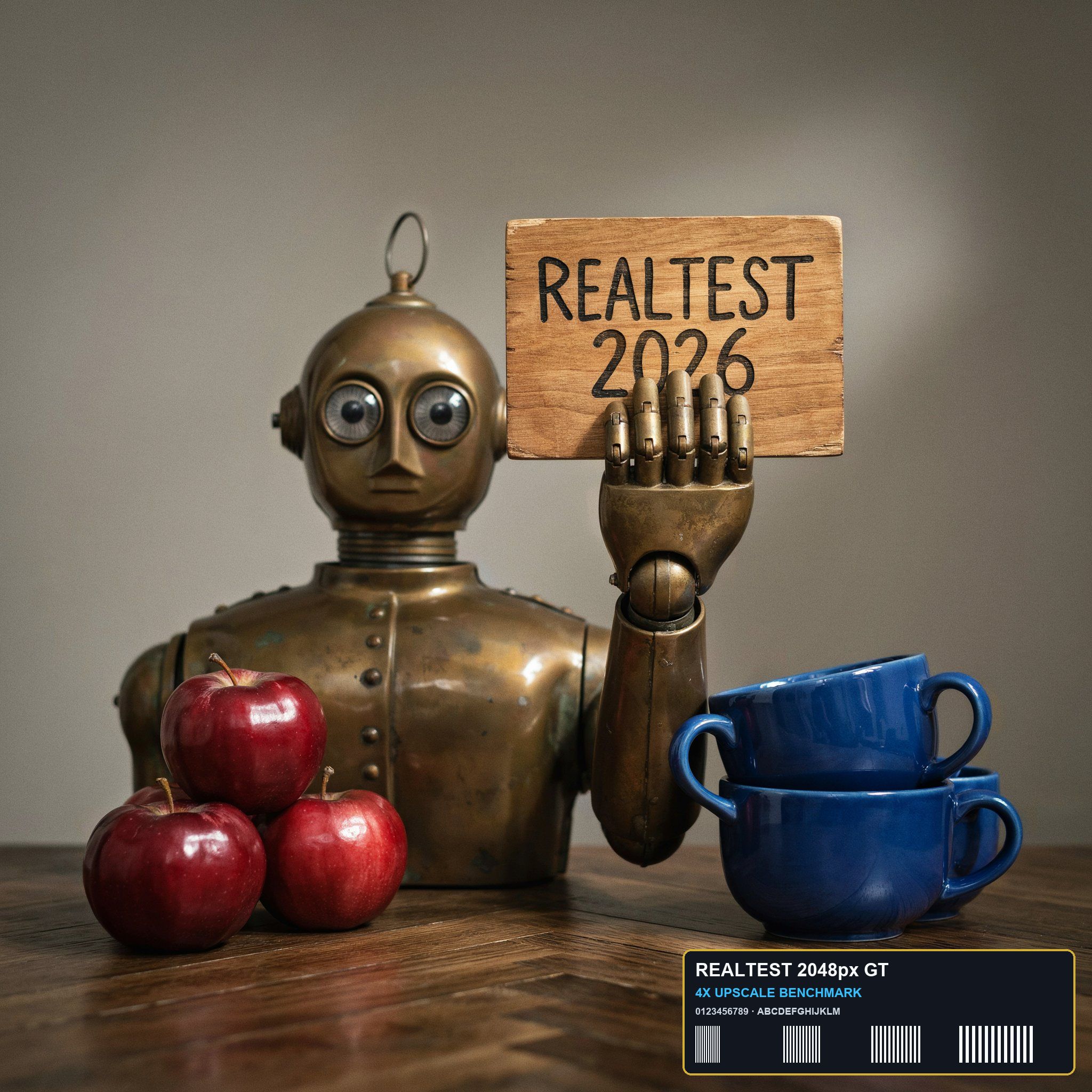
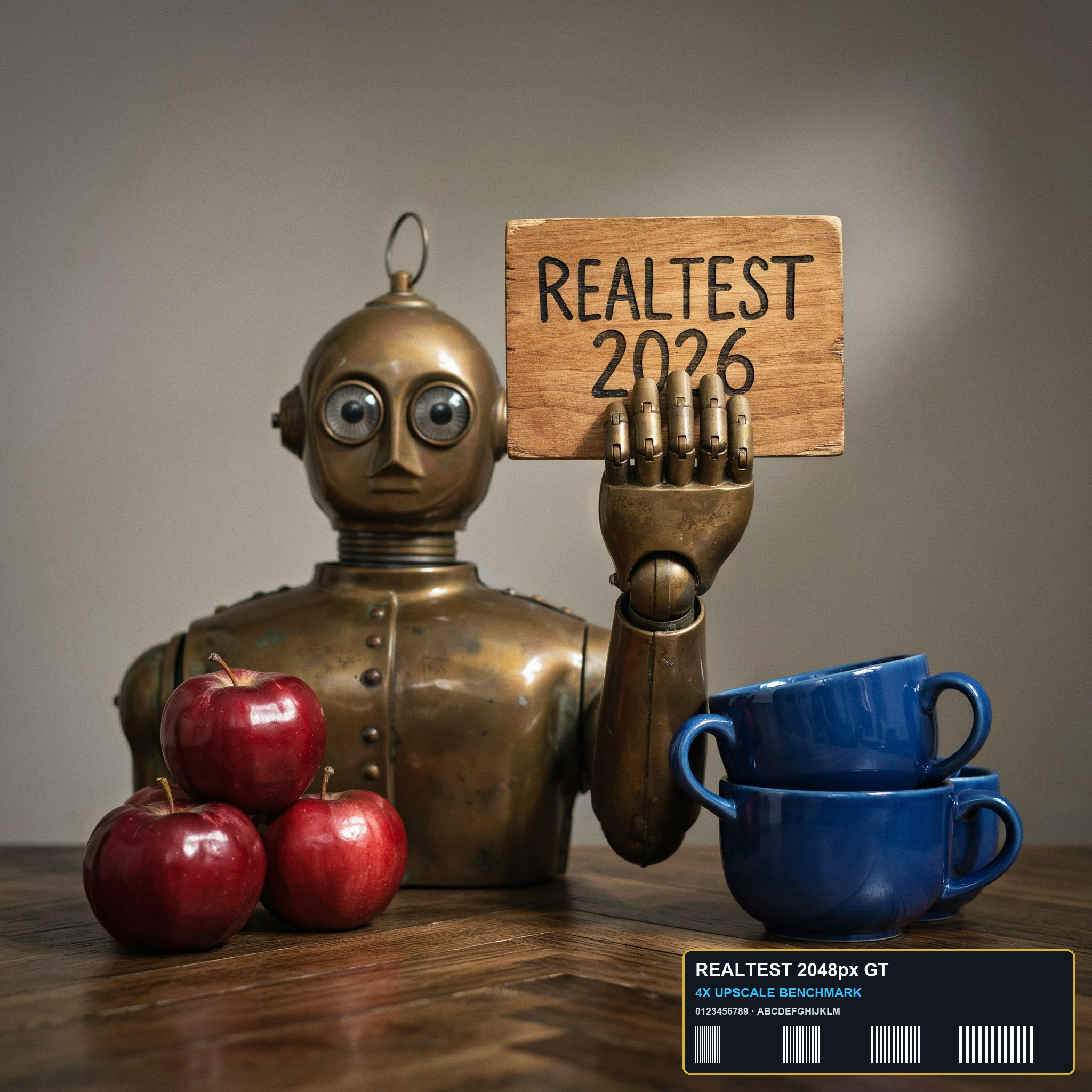
| Fixture findings | Under the 2048px standard anchor, Hello Keyboard Tools exports a 2048x2048 full-resolution native JPEG at default settings, achieving 42.34 dB PSNR, 0.9992 SSIM, and 85.99% file size reduction with pure client-side Canvas offline processing in 250ms. | Strict lossless PNG policy with PSNR 99.99 dB and SSIM 1.0, preserving bit-level fidelity with zero quality degradation. |
| Original historical observation | Hello Keyboard Tools uses client-side Canvas encoding to compress 4.14 MB down to 579.8 KB (-86.0%) at default 80% quality, achieving 42.34 dB PSNR and 0.9992 SSIM in only 250ms. | EveryTool4U processed locally in 1.15s, adopting a lossless fidelity approach for PNGs (02_result.png, 03_download.png). |
| Suitable uses · historical assessment | Users needing fast local image compression without uploads, prioritizing privacy, and accepting JPEG/WebP formats | Privacy-sensitive users wanting fast compression for JPG/WebP while guaranteeing zero degradation for PNGs |
| Result & output evidence | ||
| Delivery capabilities | ||
| Recorded export specifications | JPEG · Output attached · No watermark in test | 2048 × 2048 · PNG · No watermark in test |
| Historical specification note · not an official maximum | 2048 × 2048 (preserving native dimensions) | 2048x2048 native PNG (4,137.9 KB · 100% lossless fidelity) |
| Watermark observation | No watermark | No watermark |
| Batch & API | Interactive single-file processing, up to 20 MB per file | Supports single and batch image compression |
| Recorded free-tier dimensions | 2048 × 2048 | 2048 × 2048 |
| Attached file dimensions | Not verified | 2048 × 2048 · PNG |
| Speed & reliability | ||
| Timing observation | Recorded local processing time: 0.25s · End-to-end reference: 0.25s | Recorded local processing time: 0s · End-to-end reference: 1.15s |
| Date & fixture | 2026-11-06 · anchor_compress_v1 · US-West (California, AS2914) | 2026-11-05 · anchor_compress_v1 · Client-Side (Canvas / Browser Local) |
| Repeated tests & reliability | No standardized repetition count, success rate or variability range is recorded. | No standardized repetition count, success rate or variability range is recorded. |
| Interaction experience | ||
| Account requirements | No login in this test | No login in this test |
| Sign-in methods | All features available directly without registration or login | No login required, direct local compress and export |
| Manual adjustment | Not verified | Not verified |
| Interaction observations | Not verified | Not verified |
| Background & reputation | ||
| Service lifecycle notice | Not verified | Not verified |
| Operator | Not verified | EveryTool4U |
| Recorded origin | Not verified | Not verified |
| Domain history record | Not verified | Not verified |
| Background & reputation assessment | Not verified | Not verified |
| External reputation record | Not verified | Not verified |
| Engineering & privacy | ||
| Processing location | On-device processing | On-device processing |
| Third-party tracking record | Google Analytics · Cloudflare Web Analytics | Google AdSense · Google Tag Manager |
| Engineering & privacy assessment | Not verified | Not verified |
| Retention statement | This flow runs locally; post-close deletion not independently verified | This flow runs locally; post-close deletion not independently verified |
| Evaluation basis | ||
| Pricing transparency | ||
| Interaction restraint | ||
| Background & reputation | ||
| Engineering & privacy | ||
| Task quality | 58 / 65 Size Reduction: -85.99% (4137.9 KB → 579.8 KB, 7.14× ratio) · PSNR: 42.34 dB · SSIM: 0.9992 | 40 / 65 Size Reduction: -0% (4137.9 KB → 4137.9 KB, 1× ratio) · PSNR: 99.99 dB · SSIM: 1 |
| Deliverable specifications | 18 / 20 Watermarked or blocked free export (0/8); Export spec: 2048 × 2048 (preserving native dimensions) | 20 / 20 Clean unwatermarked export (8/8); Export spec: 2048x2048 native PNG (4,137.9 KB · 100% lossless fidelity) |
| Processing speed | 15 / 15 Network-observed server wait: 0.25s (API mode: client_side; network upload 0s / end-to-end 0.25s shown for reference only, never penalized) | 15 / 15 Network-observed server wait: 0s (API mode: client_side_canvas_browser; network upload 0s / end-to-end 1.15s shown for reference only, never penalized) |