See your options side by side
Choose one task and 2–4 tools. Compare pricing, output, test results and trust.
Test scope & comparison notes
These are recorded facts, not a unified ranking. Tested tiers and scope are not consistently recorded. Read pricing with its date and timing with its conditions. Privacy observations reflect visible flows and statements, not a security audit.
Cross-task capability coverage across selected products
Each product is scored independently per task edge; switch tasks below while keeping shared products selected| Task edge | PDF24 Tools | XConvert | Switch / compare |
|---|---|---|---|
| Image compression | Not tested in topic | 88/100 2048 × 2048 · PNG | Compare in task topic → |
| PDF to Word | 96/100 DOCX · Output attached | 93/100 Full 2-page .docx (8.6 KB, 43 paragraphs, 16/16 table cells) · Historical description; output not attached | Active task |
| PDF compression | 99/100 PDF · Output attached | 94/100 PDF · Output attached | |
| Scanned PDF OCR | 98/100 PDF · Output attached | Not tested in topic | Compare in task topic → |
| PDF merge & split | 98/100 PDF · Output attached | 94/100 PDF · Output attached |
Select at least 2 tools to compare
You can also filter a task page first, then compare your shortlist.
Browse this task →| Criterion | PDF24 Tools PDF to Word 96/100 Seven-aspect task score Free login-free conversion retains text and editable tables and provides a deletion control, making it suitable for ordinary text PDFs. Tested export DOCX · Output attached Historical test · 2026-10-18 | XConvert PDF to Word (Convert PDF to DOCX) PDF to Word 93/100 Seven-aspect task score Free login-free conversion has no blocking popups, retains text and editable tables in about two seconds and offers deletion; files still go to the cloud. Tested export Full 2-page .docx (8.6 KB, 43 paragraphs, 16/16 table cells) · Historical description; output not attached Historical test · 2026-10-19 |
|---|---|---|
| Pricing & rules | ||
| Pricing plans | PDF24 online PDF-to-Word · 2026-10-20 Plan · source date Monthly / one-time Annual bill / period Quota & limits Ad-supported free2026-10-20 ↗ Free Free Free The page states free access without limits; numeric page or file-size limits are not stated. 1 plan / billing-period records, all listed; — means that period is not recorded. The tool page explicitly states free, ad-supported access without limits. Arbitrarily large files and complex scans were not verified; no new performance test was conducted. Cancellation, sources & verification recordCancellation and refund terms follow official checkout and help policies. Official feature and pricing page ↗ · 2026-10-20 Capture 1 ↗ | XConvert USD web Basic / Pro and free conversion · 2026-10-20 Plan · source date Monthly / one-time Annual bill / period Quota & limits Web free2026-10-20 ↗ Free Free Free Free PDF-to-DOCX without watermarks; no OCR. PDF-specific count and size limits are not separately listed. Basic2026-10-20 ↗ USD 4.99/month USD 49.99/year Monthly 1 GB files; 10 concurrent non-video tasks; 4 hours/task; 8 processing hours/day. Annual 1 GB files; 10 concurrent non-video tasks; 4 hours/task; 8 processing hours/day. Pro2026-10-20 ↗ USD 9.99/month USD 99.99/year Monthly 4 GB files; 25 concurrent non-video tasks; 4 hours/task; 24 processing hours/day. Annual 4 GB files; 25 concurrent non-video tasks; 4 hours/task; 24 processing hours/day. 5 plan / billing-period records, all listed; — means that period is not recorded. Monthly and actual annual bills appear on one pricing page. Daily video counts are not PDF allowances. The PDF-to-DOCX page explicitly says it does not perform OCR. Verification has gaps; unknown prices and quotas are not inferred. Cancellation, sources & verification recordCancel anytime in the User Portal; no refunds, with access through the paid period. Official feature and pricing page ↗ · 2026-10-20 Capture 1 ↗ Official feature and pricing page ↗ · 2026-10-20 Capture 1 ↗ |
| Free & trial allowance on the test date | 100% Free & Unlimited (no daily task limit or page cap) | Free no-login conversion with explicit .docx / .doc format choice |
| Cancellation & refunds | Cancellation and refund terms follow official checkout and help policies. | Cancel anytime in the User Portal; no refunds, with access through the paid period. |
| Disclosure of costs & limits | Completely transparent from landing to download with zero post-conversion paywalls | Displays .docx vs .doc format options clearly in the left panel before starting |
| Task quality | ||
| Measured fixture results | Text retained: 100% · Editable table cells: 16 · Page 2 preserved: Yes | Text retained: 100% · Editable table cells: 16 · Page 2 preserved: Yes |
| Fixture findings | Retained text and editable tables without login and offered deletion; scans were not tested. | Text, editable tables and page two were retained; scanned-document recognition was not tested. |
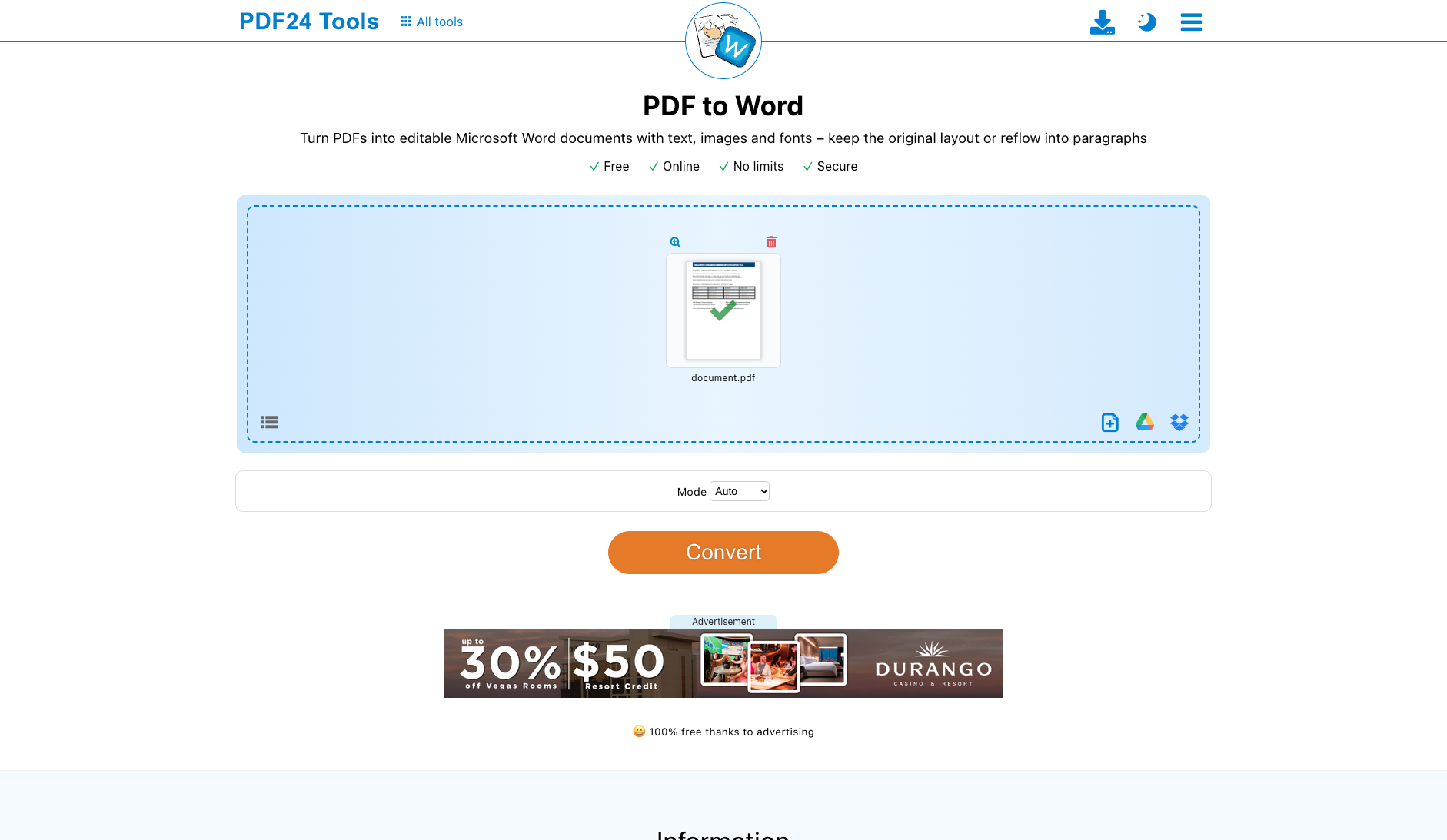
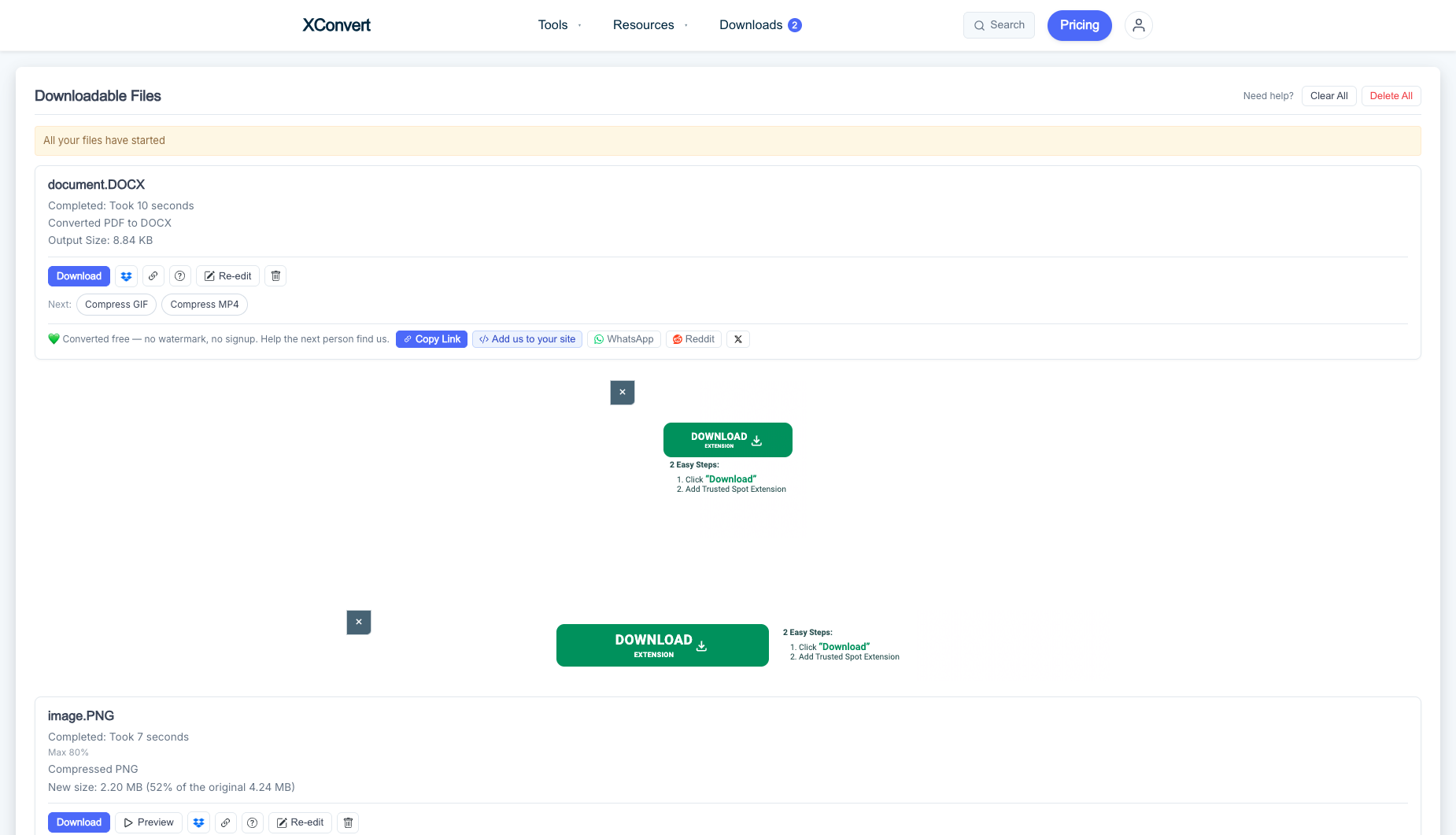
| Original historical observation | In a category notorious for post-conversion paywalls, German utility PDF24 Tools is a breath of fresh air: no login, zero dark patterns, unlimited free conversions, and 100% XML-verified reconstruction of all headings, Page 2 content, and the 16-cell native Word table—plus a button to immediately wipe your file from their server (03_download.png). | XConvert completes conversion in just 2.0 seconds and produces a compact 8.6 KB OpenXML .docx preserving 100% of text strings, the Page-2 token, and all 16/16 native <w:tbl> table cells. |
| Suitable uses · historical assessment | Office and academic users tired of '1–2 free tasks/day' or 'credit-card trial walls' who want a 100% free, unlimited PDF-to-Word converter that preserves editable Word tables | Users who want ultra-fast (2.0s) no-login PDF-to-DOCX conversion with full native Word table preservation |
| Result & output evidence | No native output obtained; the preview does not establish final export quality. | |
| Scans / OCR | The fixture is a text PDF; scans and OCR were not tested | The fixture is a text PDF; scans and OCR were not tested |
| Delivery capabilities | ||
| Recorded export specifications | DOCX · Output attached · No watermark in test | Full 2-page .docx (8.6 KB, 43 paragraphs, 16/16 table cells) · Historical description; output not attached · Check watermark record No native output is attached; check the evidence for specification and watermark claims. |
| Historical specification note · not an official maximum | Full 2-page native .docx (32 paragraphs + 16-cell native Word table, watermark-free) | Full 2-Page Native OpenXML .docx (43 Paragraphs, 16/16 Table Cells) |
| Watermark observation | Watermark-free | Watermark-Free |
| Batch & API | Supports multi-file batch upload and ZIP export | Supports multi-file batch queue and explicit .docx/.doc format selection |
| Recorded free-tier dimensions | Not verified | Not verified |
| Attached file dimensions | Not verified | Not verified |
| Published allowances & file limits · not tested | Ad-supported free: The page states free access without limits; numeric page or file-size limits are not stated. | Web free: Free PDF-to-DOCX without watermarks; no OCR. PDF-specific count and size limits are not separately listed. |
| Speed & reliability | ||
| Timing observation | Network-observed server wait: 5.8s · End-to-end reference: 6.4s | Network-observed server wait: 2s · End-to-end reference: 2.4s |
| Date & fixture | 2026-10-18 · anchor_pdf2word_v1 · US-West (California, AS2914) | 2026-10-19 · anchor_pdf2word_v1 · US-West (California, AS2914) |
| Repeated tests & reliability | No standardized repetition count, success rate or variability range is recorded. | No standardized repetition count, success rate or variability range is recorded. |
| Interaction experience | ||
| Account requirements | No login in this test | No login in this test |
| Sign-in methods | 100% No Login Required | No login required |
| Manual adjustment | Manual erase / adjustment recorded in the historical flow | Not verified |
| Interaction observations | No registration required and no credit-card trial modals; the completion screen provides direct Download and Delete (immediate server wipe) buttons. | Provides an explicit radio selector between 'Word (.docx)' and 'Word 97-2003 (.doc)' prior to conversion, defaulting to modern OpenXML .docx. |
| Background & reputation | ||
| Service lifecycle notice | Not verified | Not verified |
| Operator | Geek Software GmbH | XConvert Inc. (Canada) |
| Recorded origin | Berlin, Germany | Canada |
| Domain history record | 2006–Present (20-year German document utility benchmark) | 2019–Present |
| Background & reputation assessment | Developed and maintained for nearly 20 years by Geek Software GmbH in Berlin, Germany with stellar reputation across education and enterprise. | Operated by Canada-based XConvert Inc., providing document, audio, video, and image web utilities. |
| External reputation record | Not verified | Not verified |
| Engineering & privacy | ||
| Processing location | Uploaded for cloud processing | Uploaded for cloud processing |
| Third-party tracking record | Not verified | Not verified |
| Engineering & privacy assessment | Strictly adheres to German and EU GDPR standards, provides an active 'Delete/Erase' button to physically wipe files from the server immediately, and offers a 100% offline Windows desktop app (PDF24 Creator) for free. | HTTPS encrypted transfer with manual delete controls in the output queue. |
| Retention statement | Explicit retention period unconfirmed; inspect policy record | Explicit retention period unconfirmed; inspect policy record |
| Evaluation basis | ||
| Pricing transparency | 35 / 35 100% free with zero hidden paywalls, zero daily task caps, and zero page truncation. Uploading our 2-page test PDF (with a 4×4 financial table and dual-column layout) produces a fully editable DOCX in ~5.8s with one-click download (01_landing.png, 02_workspace.png, 03_download.png). | 32 / 35 Zero login or email gates; uploads, converts in 2.0s, and downloads the 8.6 KB (8,840 bytes) .docx directly (01_landing.png, 02_result.png, 03_download.png). |
| Interaction restraint | 29 / 30 No registration required and no credit-card trial modals; the completion screen provides direct Download and Delete (immediate server wipe) buttons. | 26.5 / 30 Provides an explicit radio selector between 'Word (.docx)' and 'Word 97-2003 (.doc)' prior to conversion, defaulting to modern OpenXML .docx. |
| Background & reputation | 19 / 20 Developed and maintained for nearly 20 years by Geek Software GmbH in Berlin, Germany with stellar reputation across education and enterprise. | 17 / 20 Operated by Canada-based XConvert Inc., providing document, audio, video, and image web utilities. |
| Engineering & privacy | 15 / 15 Strictly adheres to German and EU GDPR standards, provides an active 'Delete/Erase' button to physically wipe files from the server immediately, and offers a 100% offline Windows desktop app (PDF24 Creator) for free. | 13.5 / 15 HTTPS encrypted transfer with manual delete controls in the output queue. |
| Task quality | 63 / 65 Underlying word/document.xml inspection confirms 100.0% text retention (4/4 headings, 3/3 special-symbol phrases, Page 2 token verified) and 100% reconstruction of the 4×4 financial table into a 16-cell native Word <w:tbl> object (63.0/65) | 62.5 / 65 Text Retention: 100.0% · Native Word Tables (<w:tbl>): 1 (16 cells) · Page 2 Preserved: Yes (63.8/65) |
| Deliverable specifications | 20 / 20 Exports a standard OpenXML (.docx) file (5.7 KB) without login, page limits, watermarks, or daily quota locks (20.0/20) | 19.5 / 20 Delivers a clean 8.6 KB (8,840 bytes) OpenXML .docx with 43 paragraphs and 16/16 native table cells without login (20.0/20) |
| Processing speed | 12.5 / 15 Smooth upload and worker queue processing completes in ~5.8s (12.5/15) | |