| Pricing & rules |
|---|
| Pricing plans |
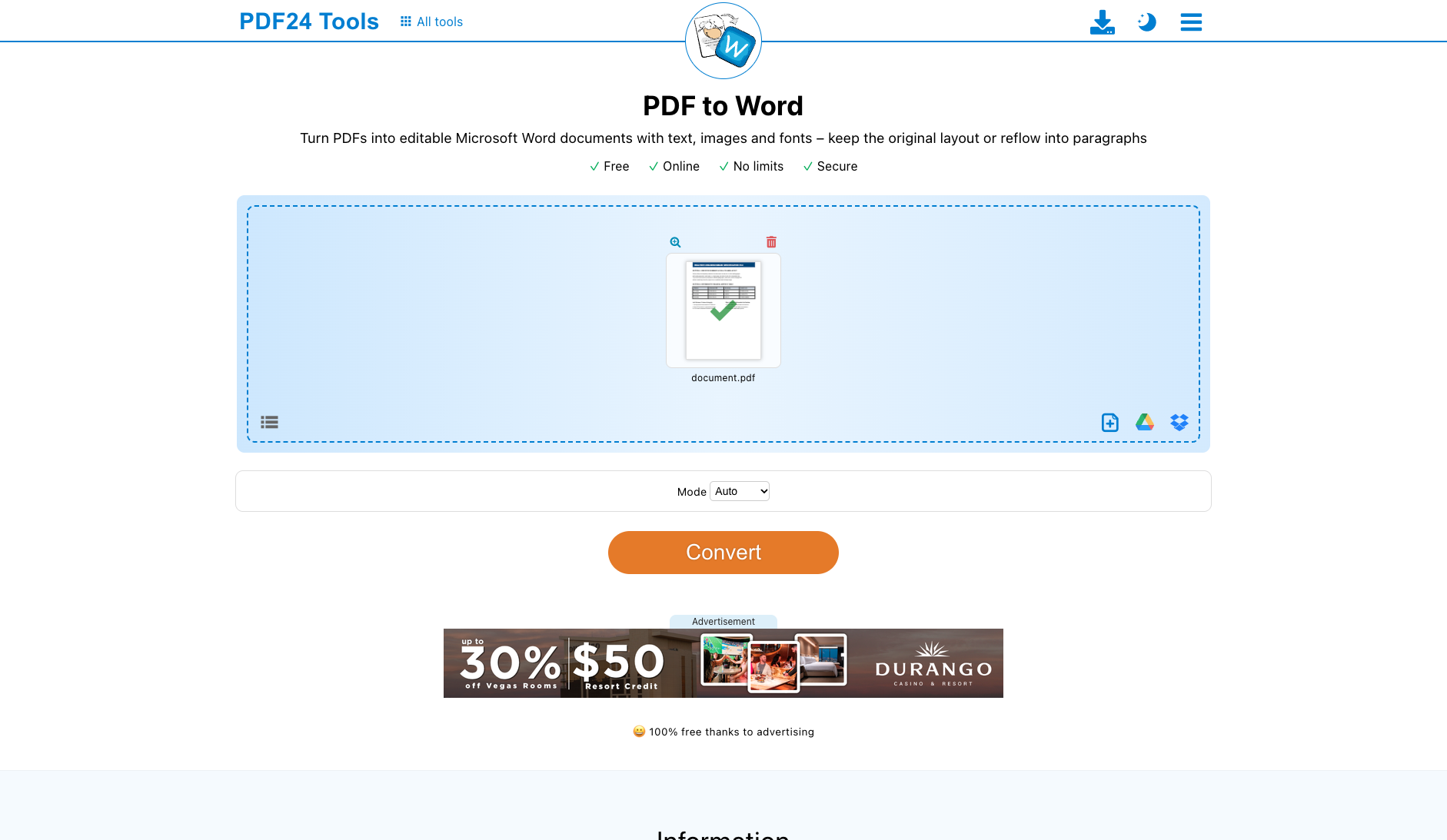
PDF24 online PDF-to-Word · 2026-10-20
Plan · source date Monthly / one-time Annual bill / period Quota & limits Free Free Free The page states free access without limits; numeric page or file-size limits are not stated. 1 plan / billing-period records, all listed; — means that period is not recorded.
The tool page explicitly states free, ad-supported access without limits. Arbitrarily large files and complex scans were not verified; no new performance test was conducted.
Cancellation, sources & verification recordCancellation and refund terms follow official checkout and help policies. Official feature and pricing page ↗ · 2026-10-20 Capture 1 ↗ |
OCR2Edit online OCR text recognition and document conversion plans · 2026-11-14
Plan · source date Monthly / one-time Annual bill / period Quota & limits Free Free Free Free access to most apps without login, standard queue, limited file size Access to scanned document OCR, conversion to Word/Excel/PPT, and searchable PDF generation;No batch processing, standard queue, display ads present;Permanently free, no renewal;Never expires USD 8/month — Monthly 64GB file size support, batch processing, priority queue, ad-free, priority support Full access to all apps, batch processing, and AI integrations Rules [1] [2] [3] — USD 77/year Annual 64GB file size support, batch processing, priority queue, ad-free, priority support (save 19%) Full access to all apps, batch processing, and AI integrations Rules [1] [4] [5] USD 29/month — Monthly Faster priority queue, advanced settings, 5x AI usage, automation support All Starter features plus faster priority queue and 5x AI usage Rules [2] [3] [6] — USD 278/year Annual Faster priority queue, advanced settings, 5x AI usage, automation support (save 20%) All Starter features plus faster priority queue and 5x AI usage Rules [4] [5] [6] USD 89/month — Monthly Skip queue, business apps access, centralized billing, 20x AI usage All Pro features plus custom limits and centralized team management;Per seat monthly billing Rules [2] [3] — USD 854/year Annual Skip queue, business apps access, centralized billing, 20x AI usage (save 20%) All Pro features plus custom limits and centralized team management;Per seat annual billing Rules [4] [5] 7 plan / billing-period records, all listed; — means that period is not recorded.
[1] For single user [2] Auto-renews monthly, cancel anytime [3] Active during monthly subscription [4] Auto-renews annually, cancel anytime [5] Active during annual subscription [6] For individuals and small teams Core features free without registration; Premium tiers unlock up to 64GB file sizes, batch processing, priority queue, and AI credits with a 14-day money-back guarantee.
Cancellation, sources & verification recordCancellation and refund terms unverified OCR2Edit Official Homepage & Workspace ↗ · 2026-11-14 Capture 1 ↗ OCR2Edit Official Monthly Pricing ↗ · 2026-11-14 Capture 1 ↗ OCR2Edit Official Yearly Pricing ↗ · 2026-11-14 Capture 1 ↗ |
|---|
| Free & trial allowance on the test date | 100% Free & Unlimited (no daily task limit or page cap) | Free without login up to 50 MB per file on standard queue |
|---|
| Cancellation & refunds | Cancellation and refund terms follow official checkout and help policies. | |
|---|
| Disclosure of costs & limits | Completely transparent from landing to download with zero post-conversion paywalls | Discloses 50 MB free limit on landing and presents Convert vs Convert with OCR options immediately upon upload |
|---|
| Task quality |
|---|
| Measured fixture results | Text retained: 100% · Editable table cells: 16 · Page 2 preserved: Yes | Text retained: 100% · Editable table cells: 0 · Page 2 preserved: Yes |
|---|
| Fixture findings | Retained text and editable tables without login and offered deletion; scans were not tested. | Retains 100% of text (4/4 headings, 12/12 cell values, Page 2 check code, 0 raster images) but flattens the table into paragraphs without a native Word `<w:tbl>` grid. |
|---|
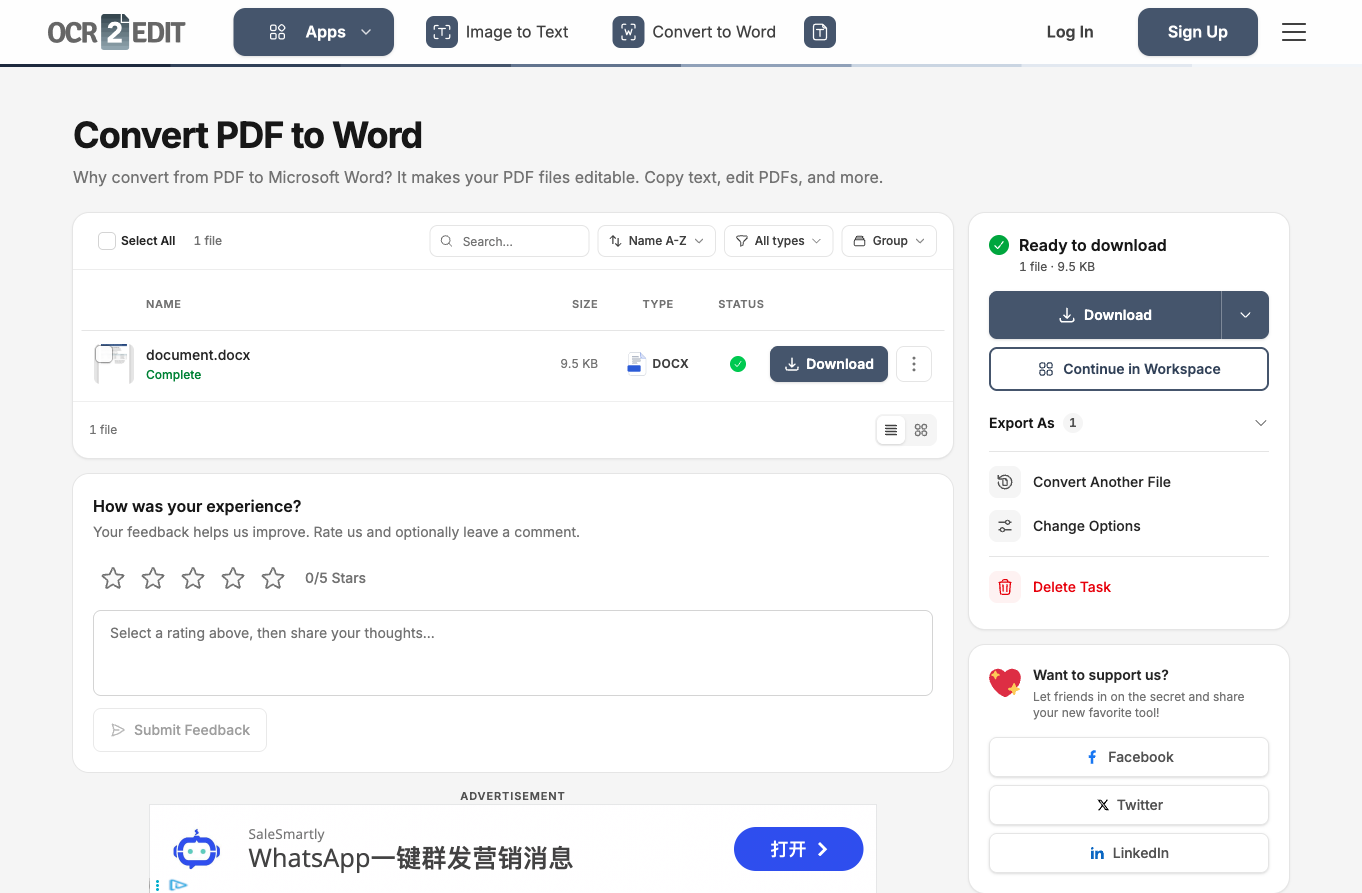
| Original historical observation | In a category notorious for post-conversion paywalls, German utility PDF24 Tools is a breath of fresh air: no login, zero dark patterns, unlimited free conversions, and 100% XML-verified reconstruction of all headings, Page 2 content, and the 16-cell native Word table—plus a button to immediately wipe your file from their server (03_download.png). | Using Standard Convert mode, OCR2Edit outputs a 9.5 KB editable .docx in 6.49s (0 embedded images, 61 paragraphs) preserving all 1,269 characters and Page 2 intact, though the 4×4 financial table is flattened into paragraph text (p2w_02_result.png, p2w_03_download.png). |
|---|
| Suitable uses · historical assessment | Office and academic users tired of '1–2 free tasks/day' or 'credit-card trial walls' who want a 100% free, unlimited PDF-to-Word converter that preserves editable Word tables | Users needing quick, login-free extraction of digital PDF text into a lightweight editable .docx when complex table grid reconstruction is not critical. |
|---|
| Result & output evidence | | |
|---|
| Scans / OCR | The fixture is a text PDF; scans and OCR were not tested | The fixture is a text PDF; scans and OCR were not tested |
|---|
| Delivery capabilities |
|---|
| Recorded export specifications | DOCX · Output attached · No watermark in test | DOCX · Output attached · No watermark in test |
|---|
| Historical specification note · not an official maximum | Full 2-page native .docx (32 paragraphs + 16-cell native Word table, watermark-free) | 2-page native .docx (9.5 KB · 61 paragraphs · zero watermark · flattened tables) |
|---|
| Watermark observation | | |
|---|
| Batch & API | Supports multi-file batch upload and ZIP export | Single-file standard queue up to 50 MB on free tier; 64 GB files, batch processing, and priority queue on paid tiers |
|---|
| Recorded free-tier dimensions | | |
|---|
| Attached file dimensions | | |
|---|
| Published allowances & file limits · not tested | Ad-supported free: The page states free access without limits; numeric page or file-size limits are not stated. | Free: Free access to most apps without login, standard queue, limited file size · Access to scanned document OCR, conversion to Word/Excel/PPT, and searchable PDF generation · No batch processing, standard queue, display ads present |
|---|
| Speed & reliability |
|---|
| Timing observation | Network-observed server wait: 5.8s · End-to-end reference: 6.4s | Network-observed server wait: 6.49s · End-to-end reference: 6.86s |
|---|
| Date & fixture | 2026-10-18 · anchor_pdf2word_v1 · US-West (California, AS2914) | 2026-11-18 · anchor_pdf2word_v1 · US-West (California, AS2914) |
|---|
| Repeated tests & reliability | No standardized repetition count, success rate or variability range is recorded. | No standardized repetition count, success rate or variability range is recorded. |
|---|
| Interaction experience |
|---|
| Account requirements | | |
|---|
| Sign-in methods | | No login required for direct conversion and download |
|---|
| Manual adjustment | Manual erase / adjustment recorded in the historical flow | |
|---|
| Interaction observations | No registration required and no credit-card trial modals; the completion screen provides direct Download and Delete (immediate server wipe) buttons. | Allows anonymous uploads up to 50 MB without login, clearly exposes the 'Convert' vs 'Convert with OCR' toggle, and provides direct watermark-free Download and Delete Task buttons alongside display ads. |
|---|
| Background & reputation |
|---|
| Service lifecycle notice | | |
|---|
| Operator | | |
|---|
| Recorded origin | | |
|---|
| Domain history record | 2006–Present (20-year German document utility benchmark) | |
|---|
| Background & reputation assessment | Developed and maintained for nearly 20 years by Geek Software GmbH in Berlin, Germany with stellar reputation across education and enterprise. | |
|---|
| External reputation record | | |
|---|
| Engineering & privacy |
|---|
| Processing location | Uploaded for cloud processing | Uploaded for cloud processing |
|---|
| Third-party tracking record | | Google AdSense · Google Analytics |
|---|
| Engineering & privacy assessment | Strictly adheres to German and EU GDPR standards, provides an active 'Delete/Erase' button to physically wipe files from the server immediately, and offers a 100% offline Windows desktop app (PDF24 Creator) for free. | Processes uploads over HTTPS on QaamGo's isolated `dragon.ocr2edit.com` cluster with an instant Delete Task button, 24-hour auto-purge, and no AI model training. |
|---|
| Retention statement | Explicit retention period unconfirmed; inspect policy record | Claims deletion within 24 hours; deletion not independently verified |
|---|
| Evaluation basis |
|---|
| Pricing transparency | 35 / 35 100% free with zero hidden paywalls, zero daily task caps, and zero page truncation. Uploading our 2-page test PDF (with a 4×4 financial table and dual-column layout) produces a fully editable DOCX in ~5.8s with one-click download (01_landing.png, 02_workspace.png, 03_download.png). Scores & evidence → | |
|---|
| Interaction restraint | 29 / 30 No registration required and no credit-card trial modals; the completion screen provides direct Download and Delete (immediate server wipe) buttons. Scores & evidence → | 26 / 30 Allows anonymous uploads up to 50 MB without login, clearly exposes the 'Convert' vs 'Convert with OCR' toggle, and provides direct watermark-free Download and Delete Task buttons alongside display ads. Scores & evidence → |
|---|
| Background & reputation | 19 / 20 Developed and maintained for nearly 20 years by Geek Software GmbH in Berlin, Germany with stellar reputation across education and enterprise. Scores & evidence → | |
|---|
| Engineering & privacy | 15 / 15 Strictly adheres to German and EU GDPR standards, provides an active 'Delete/Erase' button to physically wipe files from the server immediately, and offers a 100% offline Windows desktop app (PDF24 Creator) for free. Scores & evidence → | 14 / 15 Processes uploads over HTTPS on QaamGo's isolated `dragon.ocr2edit.com` cluster with an instant Delete Task button, 24-hour auto-purge, and no AI model training. Scores & evidence → |
|---|
| Task quality | 63 / 65 Underlying word/document.xml inspection confirms 100.0% text retention (4/4 headings, 3/3 special-symbol phrases, Page 2 token verified) and 100% reconstruction of the 4×4 financial table into a 16-cell native Word <w:tbl> object (63.0/65) Scores & evidence → | 45 / 65 OOXML inspection (using Standard Convert mode): exported a 9.5 KB editable DOCX (61 paragraphs, 0 embedded raster images) retaining 100.0% of text (4/4 headings, 12/12 table cell strings, 3/3 body phrases, and Page 2 check code), though the 4×4 financial table was flattened into paragraphs rather than a native Word `<w:tbl>` grid (45.0/65) Scores & evidence → |
|---|
| Deliverable specifications | 20 / 20 Exports a standard OpenXML (.docx) file (5.7 KB) without login, page limits, watermarks, or daily quota locks (20.0/20) Scores & evidence → | 17 / 20 Exports a genuine watermark-free OpenXML (.docx) container (9,763 bytes) without login or page truncation, with 100% editable text but no native Word table object (17.0/20) Scores & evidence → |
|---|
| Processing speed | 12.5 / 15 Smooth upload and worker queue processing completes in ~5.8s (12.5/15) Scores & evidence → | 13.5 / 15 Async cloud conversion job (dragon.ocr2edit.com/api/jobs/.../conversions) completed in 6.49s server wait including polling (13.5/15) Scores & evidence → |
|---|