Hello Keyboard Tools
Independent login-free lightweight online utility suite for image, text, and document tasks
Product node overview & trust baseline
Operator provenance, privacy baseline and site-wide pricing belong directly to the product node and are inherited across linked task edgesHello Keyboard Tools is an independent suite of free utilities for everyday image and text tasks, launched in 2026. The site requires no login, no subscriptions, and carries no ads; most tools execute client-side via in-browser Web APIs, while selected tools (such as background removal) use stateless single-request Cloudflare Workers.
Independent web utility project (Founded 2026) · 2026-present (New utility suite)
Provenance baseline: 14/20 · Independent utility suite under Hello Keyboard founded in 2026, offering open-source credits and transparent privacy terms.
The official site declares tools are free to use, require no login, no subscription, with files primarily processed locally in the browser.
Pricing transparency baseline: 35/35 · Cancellation: Completely free utility suite; no subscription or cancellation required.
Browser-local tools process files on-device without upload; service-dependent tools do not retain files after single-request processing
Google Analytics · Cloudflare Web Analytics
Product-level pricing & rules baseline
Verified plans, billing periods and cancellation terms owned by this product node; task-specific credit costs and free export limits are detailed per capability edge belowHello Keyboard Tools site-wide free utilities · 2026-11-06
1 plan / billing-period records, all listed; — means that period is not recorded.
The official site declares tools are free to use, require no login, no subscription, with files primarily processed locally in the browser.
Cancellation, sources & verification record
Completely free utility suite; no subscription or cancellation required.
Hello Keyboard Tools homepage declaration and tool directory ↗ · 2026-11-06 Capture 1 ↗
Hello Keyboard Tools privacy and processing policy ↗ · 2026-11-06 Capture 1 ↗
Archived official pricing sources: Hello Keyboard Tools homepage declaration and tool directory (2026-11-06) [text snapshot ↗] · Hello Keyboard Tools privacy and processing policy (2026-11-06) [text snapshot ↗]
Capability map & linked task edges
Whenever a capability passes fixed-fixture testing, an edge is automatically linked between this product node and the task topic for horizontal comparison.
| Linked task edge | Score | Assessment · historical test | Test scope & delivery | Inspect capability / follow edge |
|---|---|---|---|---|
| Image compression | 92/100 | Hello Keyboard Tools is a free, login-free client-side image compressor that achieves an 85.99% volume reduction (4.14 MB to 580 KB) in only 250ms at default 80% quality, reaching 42.34 dB PSNR and 0.9992 SSIM with complete local privacy and instant turnaround; as it defaults to JPEG output, users requiring transparency for PNG inputs should select the WebP format. | JPEG · Output attached Historical test · 2026-11-06 Guest flow · Fixed PNG fixture · Output attached |
Discovered product capabilities (pending fixture test / edge incubation)
Recorded capability · Not yet scoredThese capabilities have been identified on the product but have not yet undergone fixed-fixture testing. When an emerging capability co-occurs across multiple products, it incubates a new task edge.
Online background removal processed via Cloudflare Workers
Tested task edges (with scores and native artifacts) are strictly separated from discovered untested capabilities (unscored).
Peer product comparison across shared task edges
Matched by overlapping tested task edges; compare site-wide billing models alongside per-task benchmark scoresThe official pricing page and credit table state that guests get 5 free runs and registered Free accounts receive 10 one-time Nero Credits (Standard/Photo/Anime 2× costs 1 credit/image, 4× costs 2 credits/image, paid-only 8× costs 4 credits/image). Standard monthly is USD 21.95/month promotional (regular USD 24.99/month, 300 credits/month). The yearly promo banner displays only "7.66 USD per month" (3,000 credits/year) without printing the annual invoice total before login, so the annual total is marked unverified.
- Image compression:Hello Keyboard Tools 92/100 vs Nero AI 88/100
All tools are completely free indefinitely without registration or subscriptions; most tasks execute entirely on-device.
- Image compression:Hello Keyboard Tools 92/100 vs EveryTool4U 80/100
Actual annual charges $59.99/$263.99. A 3-day trial is offered; cancel before expiry to avoid charges. Exact daily free count is unspecified. The 11,500-credit pack includes a current 1,500-credit bonus.
- Image compression:Hello Keyboard Tools 92/100 vs PicWish 73/100
Actual annual amounts are $77/$278/$854. Absolute removal quotas and per-image credit usage are unpublished; 1×/5×/20× cannot be converted into image counts.
- Image compression:Hello Keyboard Tools 92/100 vs Img2Go 80/100
Linked capability test: Image compression
2026-11-06 · Native output attached. Findings cover the recorded fixture and conditions; paid specifications may be untested.
Verified native export & same-run screenshot evidence
Inspect native image (JPEG · Output attached) ↗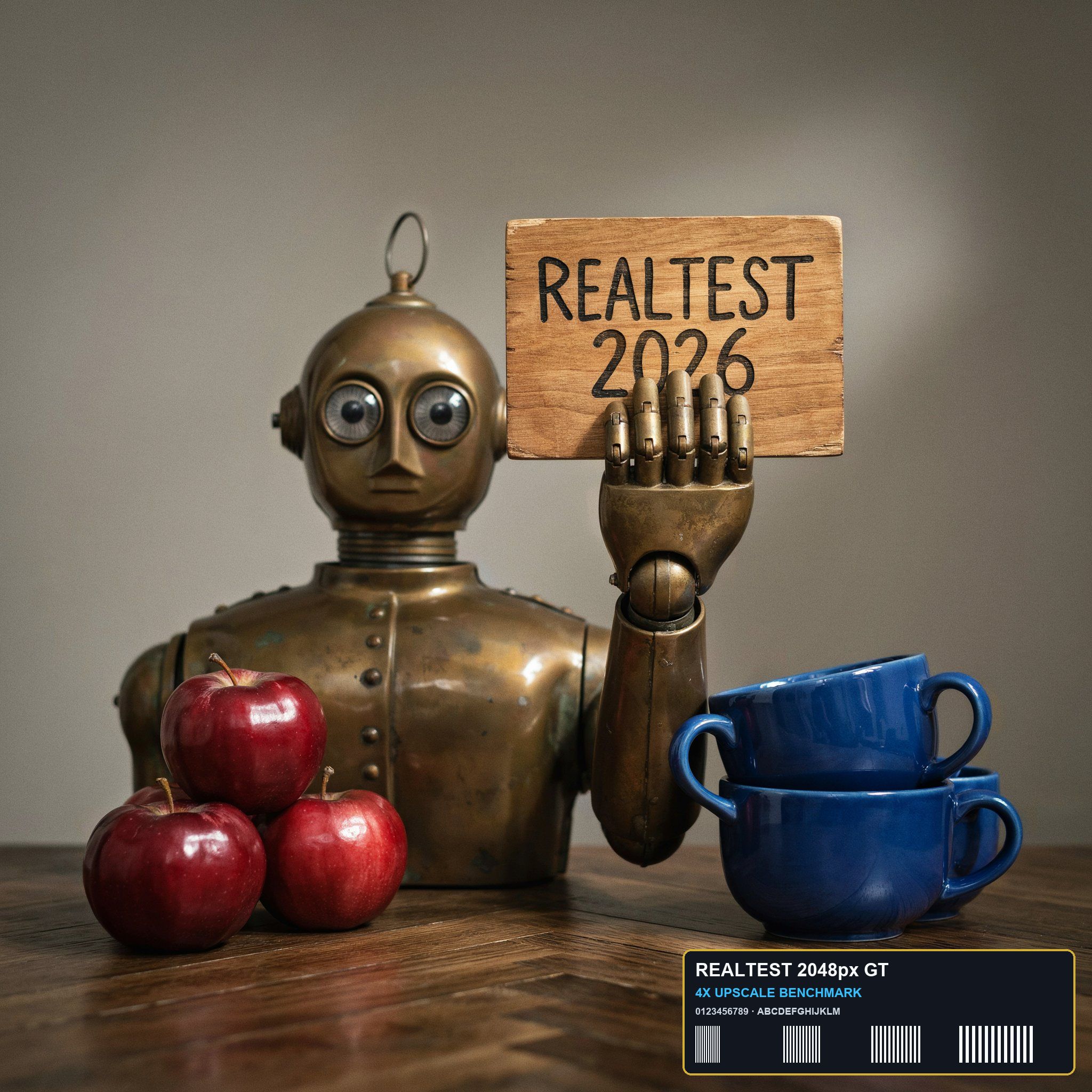
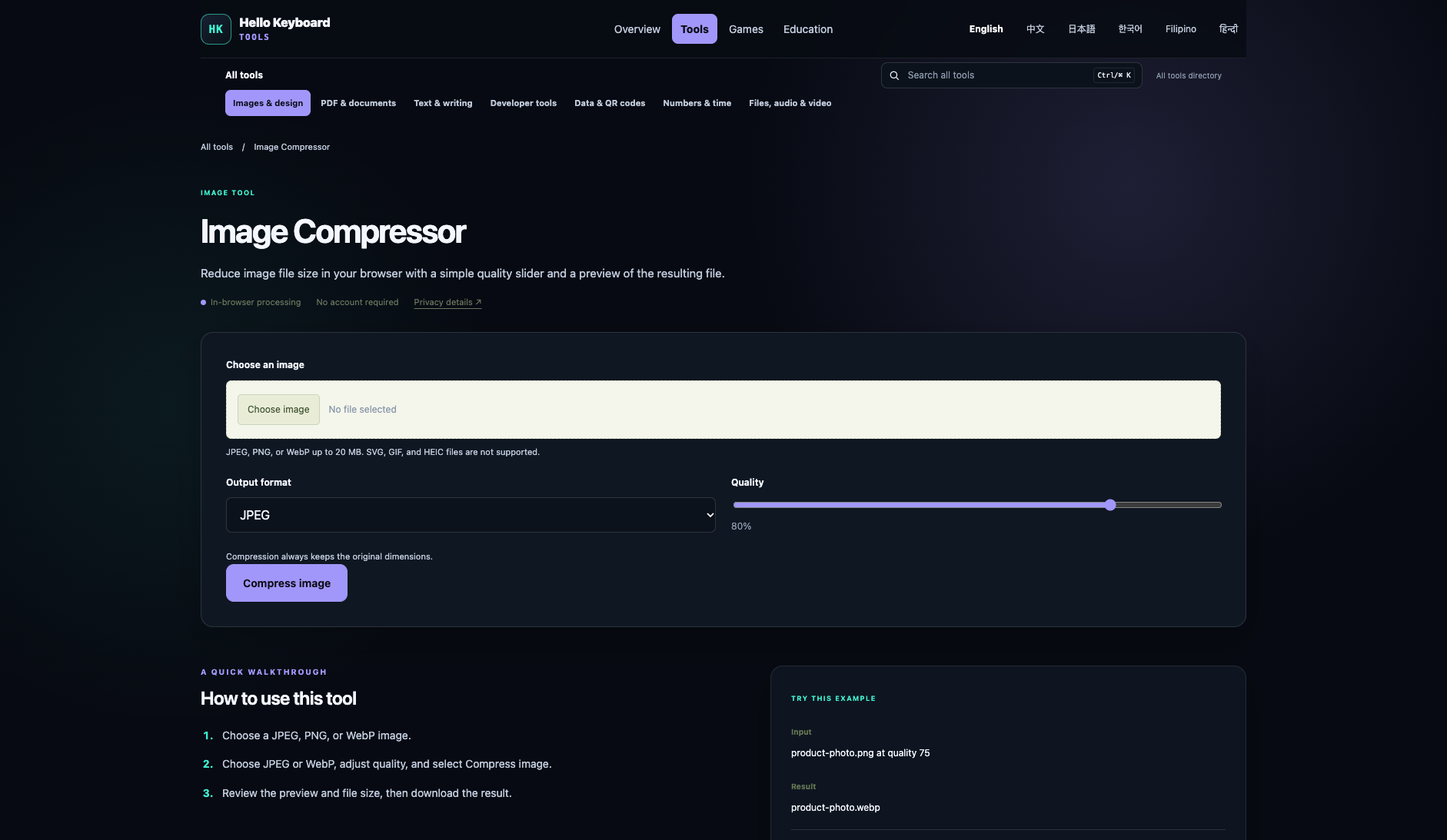
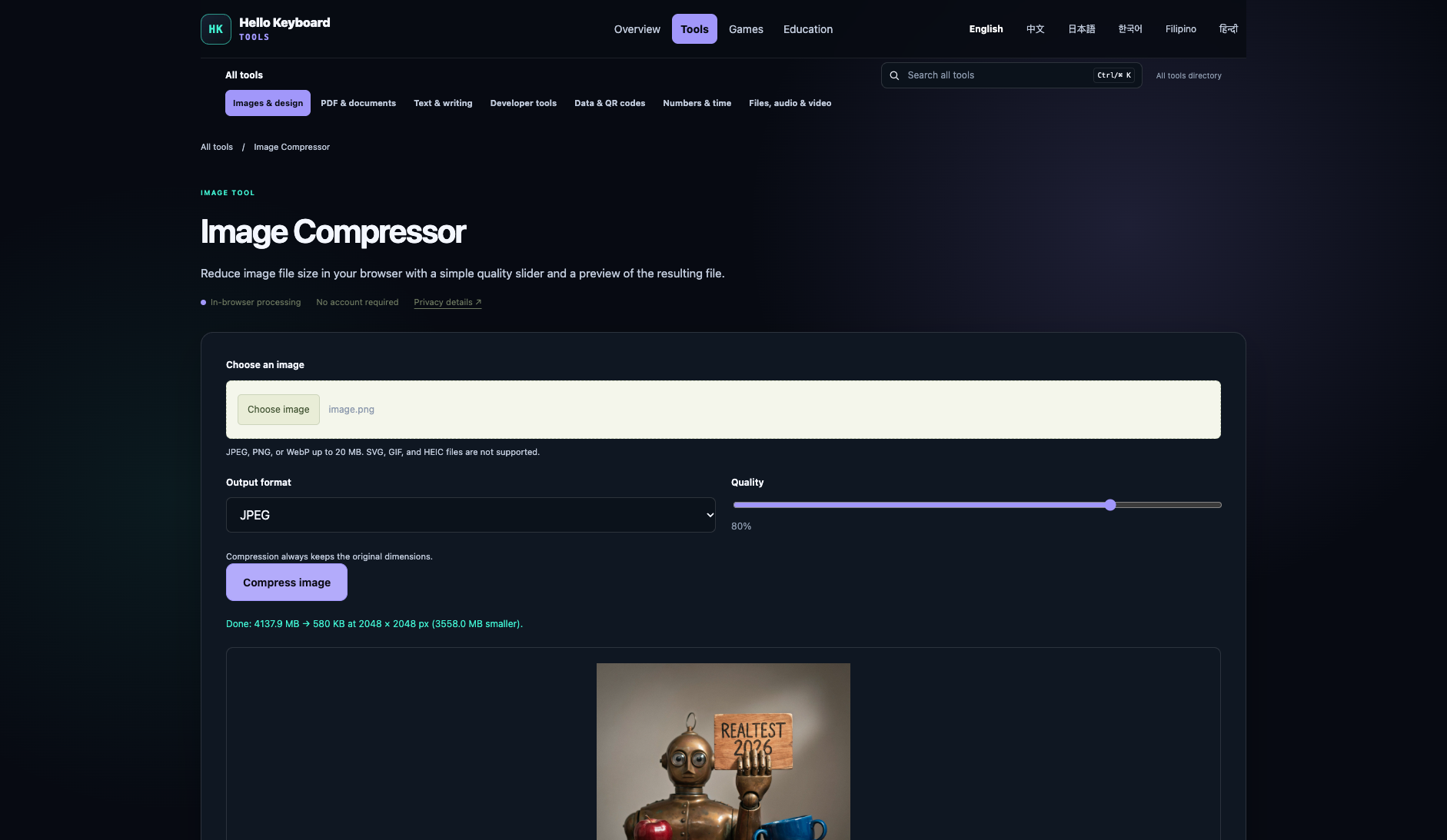
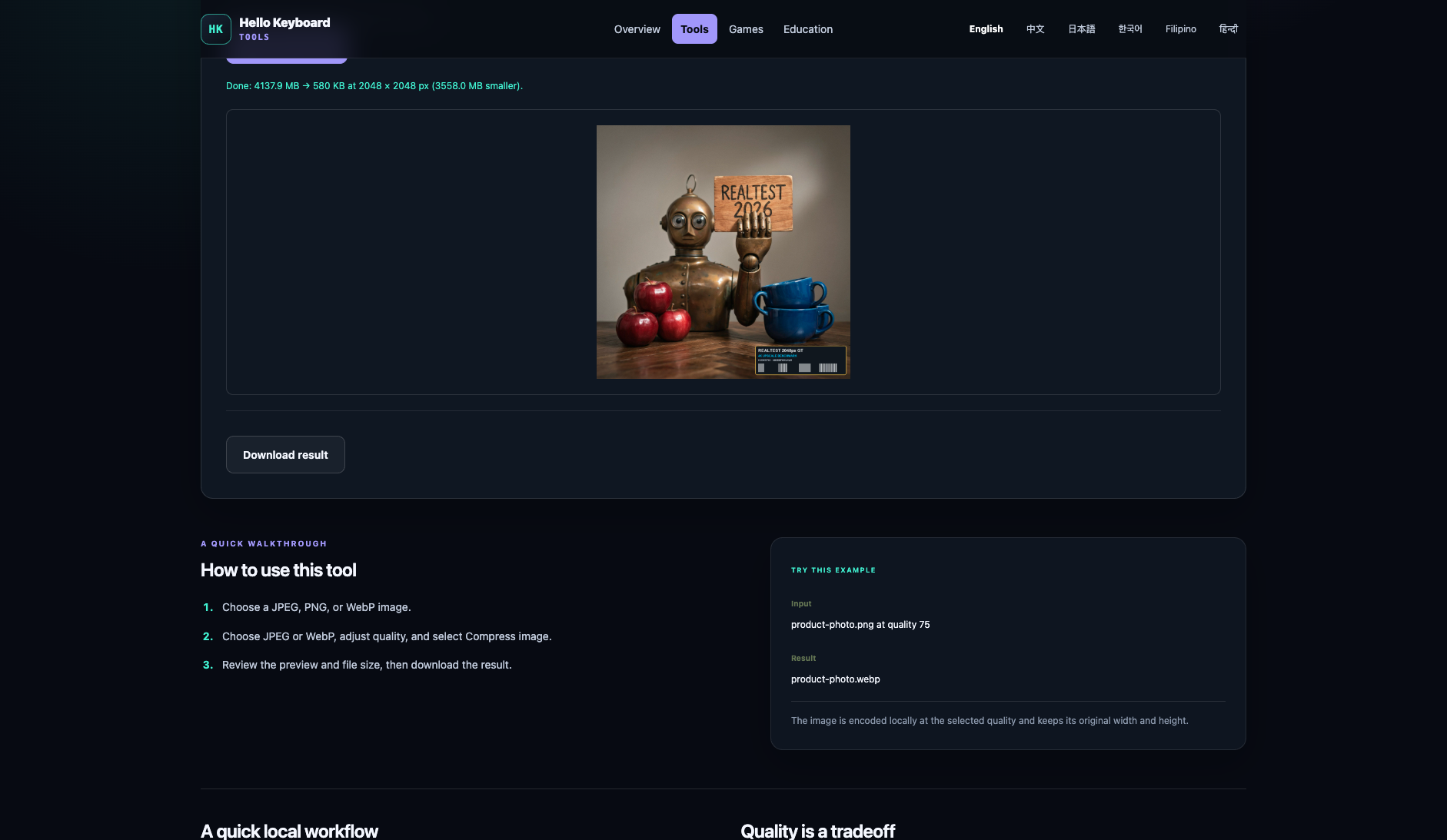
Task quality
File reduction 85.99% · Output size 579.8 KB
Detailed facts & historical record
- Measured fixture results
File reduction: 85.99% · Output size: 579.8 KB
- Fixture findings
Under the 2048px standard anchor, Hello Keyboard Tools exports a 2048x2048 full-resolution native JPEG at default settings, achieving 42.34 dB PSNR, 0.9992 SSIM, and 85.99% file size reduction with pure client-side Canvas offline processing in 250ms.
- Original historical observation
Hello Keyboard Tools uses client-side Canvas encoding to compress 4.14 MB down to 579.8 KB (-86.0%) at default 80% quality, achieving 42.34 dB PSNR and 0.9992 SSIM in only 250ms.
- Suitable uses · historical assessment
Users needing fast local image compression without uploads, prioritizing privacy, and accepting JPEG/WebP formats
- Result & output evidence
Delivery capabilities
JPEG · Output attached · No watermark in test
Detailed facts & historical record
- Recorded export specifications
JPEG · Output attached · No watermark in test
- Historical specification note · not an official maximum
2048 × 2048 (preserving native dimensions)
- Watermark observation
No watermark
- Batch & API
Interactive single-file processing, up to 20 MB per file
- Recorded free-tier dimensions
2048 × 2048
- Attached file dimensions
Not verified
Speed & reliability
About 0.25s end to end in this run; reliability not retested
Detailed facts & historical record
- Timing observation
Recorded local processing time: 0.25s · End-to-end reference: 0.25s
- Date & fixture
2026-11-06 · anchor_compress_v1 · US-West (California, AS2914)
- Repeated tests & reliability
No standardized repetition count, success rate or variability range is recorded.
Interaction experience
No login in this run
Detailed facts & historical record
- Account requirements
No login in this test
- Sign-in methods
All features available directly without registration or login
- Manual adjustment
Not verified
- Interaction observations
Not verified
Background & reputation
Operator and long-term reputation unverified
Detailed facts & historical record
- Service lifecycle notice
Not verified
- Operator
Not verified
- Recorded origin
Not verified
- Domain history record
Not verified
- Background & reputation assessment
Not verified
- External reputation record
Not verified
Engineering & privacy
On-device processing;This flow runs locally; post-close deletion not independently verified
Detailed facts & historical record
- Processing location
On-device processing
- Third-party tracking record
Google Analytics · Cloudflare Web Analytics
- Engineering & privacy assessment
Not verified
- Retention statement
This flow runs locally; post-close deletion not independently verified
Task free allowance & pricing disclosure
Completely free, no quota limits, pure client-side single-image processing (up to 20 MB)
Page transparently outlines format choices and quality controls
Site-wide plans belong to the product node (see Product-level pricing baseline ↑).
Expand site-wide plans aligned for Image compression (1 records)
Hello Keyboard Tools site-wide free utilities · 2026-11-06
1 plan / billing-period records, all listed; — means that period is not recorded.
The official site declares tools are free to use, require no login, no subscription, with files primarily processed locally in the browser.
Cancellation, sources & verification record
Completely free utility suite; no subscription or cancellation required.
Hello Keyboard Tools homepage declaration and tool directory ↗ · 2026-11-06 Capture 1 ↗
Hello Keyboard Tools privacy and processing policy ↗ · 2026-11-06 Capture 1 ↗
Evaluation basis & full scores · Overall 91.9/100
Overall = honesty & reputation × 30% + capability × 70%. Component maxima follow this report’s rubric. List scores are rounded for display; original precision is retained here.
Scoring version 2.3.1 · Test fixture anchor_compress_v1
Honesty & reputation · 94/100 · 30%
| Criterion | Score | Rationale | Basis |
|---|---|---|---|
| Pricing transparency | 35 / 35 | Explanation unavailable | Evidence A → |
| Interaction restraint | 30 / 30 | Explanation unavailable | Evidence A → |
| Background & reputation | 14 / 20 | Explanation unavailable | Evidence A → |
| Engineering & privacy | 15 / 15 | Explanation unavailable | Evidence A → |
Capability · 91/100 · 70%
| Criterion | Score | Rationale | Basis |
|---|---|---|---|
| Task quality | 58 / 65 | Size Reduction: -85.99% (4137.9 KB → 579.8 KB, 7.14× ratio) · PSNR: 42.34 dB · SSIM: 0.9992 | Evidence A → |
| Deliverable specifications | 18 / 20 | Watermarked or blocked free export (0/8); Export spec: 2048 × 2048 (preserving native dimensions) | Evidence A → |
| Processing speed | 15 / 15 | Network-observed server wait: 0.25s (API mode: client_side; network upload 0s / end-to-end 0.25s shown for reference only, never penalized) | Evidence A → |
Legacy scores may include advertised maximum capabilities. Read tested output separately from paid capabilities. Records without matching tiers and scope are not ranked together.
Developer & citation kit · Claim updates, request benchmarks & embed verified badges
Product developers and writers can embed these SVG badges in official websites, GitHub READMEs or documentation, or use the channels below to sync product-wide plans and capabilities.

[](https://realtest.org/tools/tools.hellokeyboard.com/) <a href="https://realtest.org/tools/tools.hellokeyboard.com/"><img src="https://realtest.org/badges/tools.hellokeyboard.com.svg" alt="Hello Keyboard Tools — RealTest" height="24" /></a> 
[](https://realtest.org/tools/tools.hellokeyboard.com/#feature-image-compressor)