| Pricing & rules |
|---|
| Pricing plans |
Covers all 35+ browser-local image utilities on MyOnlineImages · 2026-11-20
Plan · source date Monthly / one-time Annual bill / period Quota & limits Free Free Free Unlimited free usage across all 35+ image compression, resizing, conversion, and PDF tools No-login local processing, direct full-resolution download, and batch compression up to 5 images via Web Worker;20 MB file size cap on single-file UI; batch compressor limited to 5 images per batch;Free forever, no subscription 1 plan / billing-period records, all listed; — means that period is not recorded.
100% free across all tools with no login or credit limits; constrained only by local browser memory and 20 MB single-file UI cap.
Cancellation, sources & verification recordCancellation and refund terms unverified MyOnlineImages Official Homepage (Public Capture) ↗ · 2026-11-20 Capture 1 ↗ MyOnlineImages Compression Tool Page (Public Capture) ↗ · 2026-11-20 Capture 1 ↗ |
All IDPouch web browser tools on idpouch.app; separate iPhone/iPad App Store in-app purchase tiers are displayed by Apple and are not required for the web tools · 2026-11-21
Plan · source date Monthly / one-time Annual bill / period Quota & limits Free Free Free Unlimited local runs; up to 20 MB per input image (JPG / PNG / WebP / HEIC) ID purpose watermarking (JPG/PNG), front/back ID card to single-page A4/US Letter PDF, target-KB ID photo compression, and HEIC to JPG conversion;Client-side execution depends on browser format support and device memory; photo compressor outputs JPEG only 1 plan / billing-period records, all listed; — means that period is not recorded.
All web tools are 100% free with no login, subscriptions, or watermarks; the separate iOS/iPadOS App Store app is free to download with in-app purchases not needed for web usage.
Cancellation, sources & verification recordCancellation and refund terms unverified IDPouch Official Homepage ↗ · 2026-11-21 Capture 1 ↗ IDPouch Free Online ID Tools Directory ↗ · 2026-11-21 Capture 1 ↗ IDPouch iPhone & iPad App Overview and IAP Scope ↗ · 2026-11-21 Capture 1 ↗ |
|---|
| Free & trial allowance on the test date | 100% free with unlimited compressions (20 MB per file UI limit) | 100% free unlimited web runs (up to 20 MB per JPG/PNG/WebP file) |
|---|
| Cancellation & refunds | | |
|---|
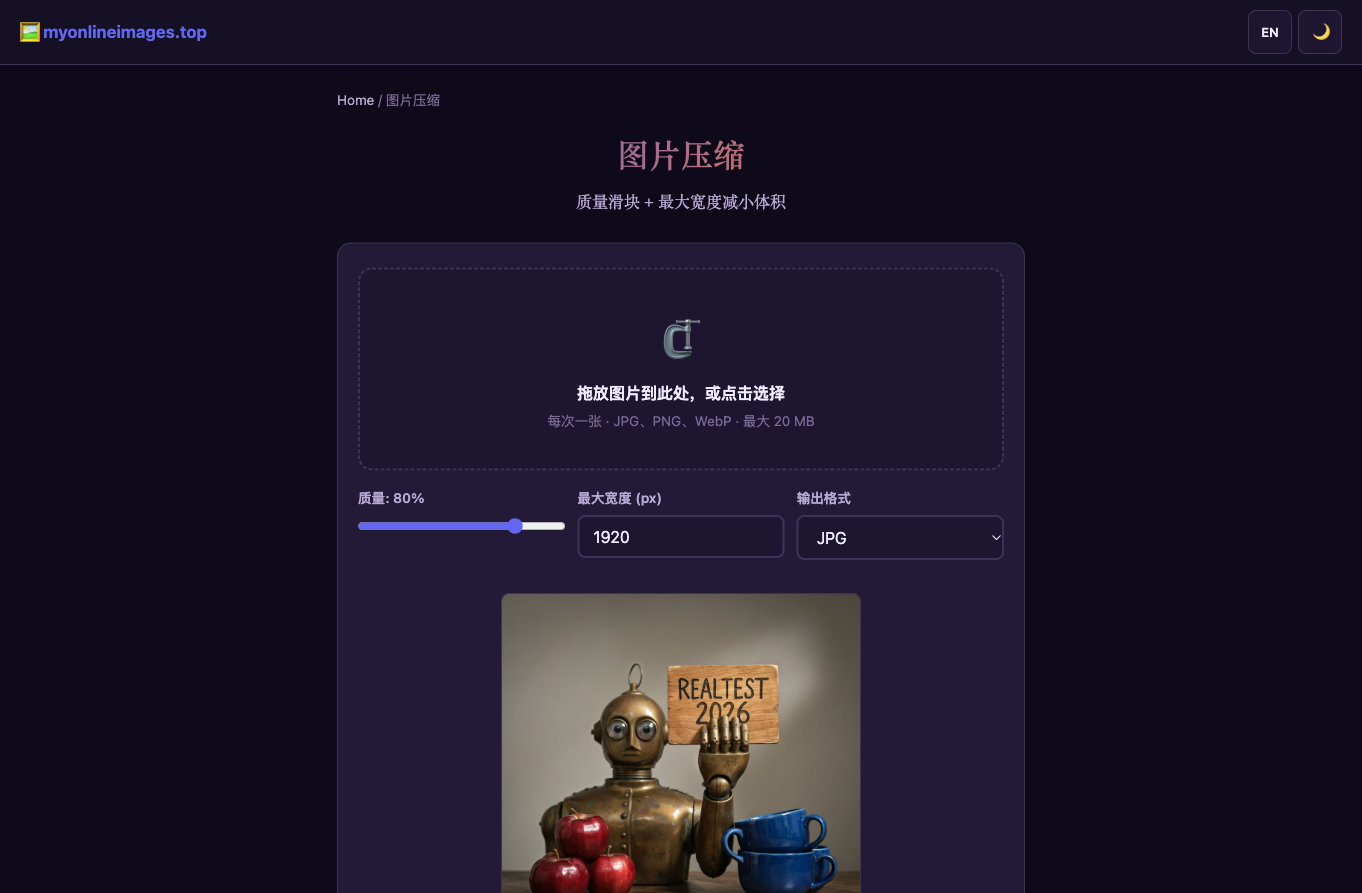
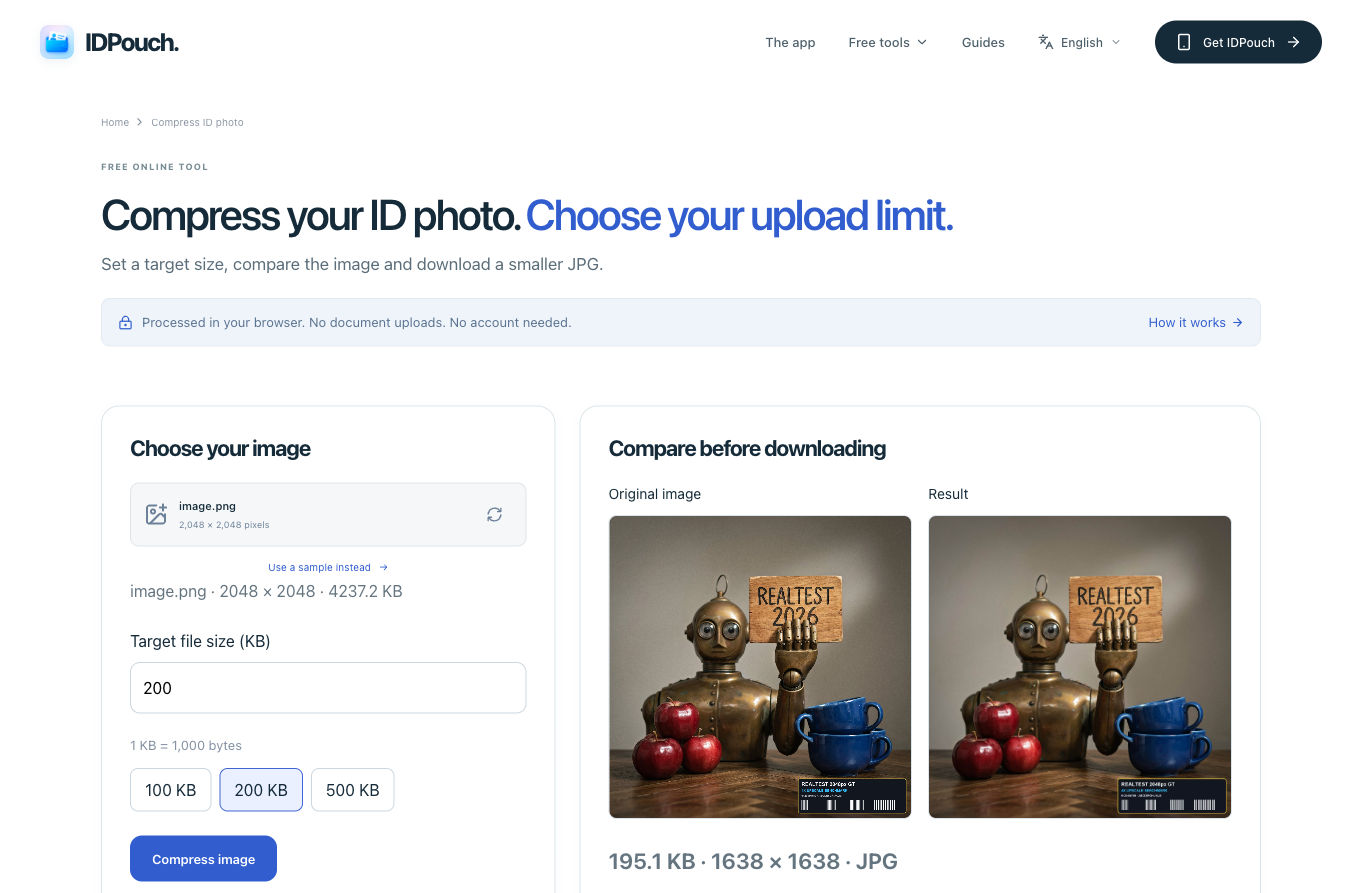
| Disclosure of costs & limits | Quality (80%), max-width (1920px), and output format (JPG/PNG/WebP) defaults are shown directly below the upload box | Local processing and 'JPEG output. Quality and dimensions may be reduced to meet your target' are disclosed upfront before running |
|---|
| Task quality |
|---|
| Measured fixture results | File reduction: 90.5% · Output size: 392.9 KB | File reduction: 95.4% · Output size: 190.5 KB |
|---|
| Fixture findings | Default 80% JPG preset exported 1920x1920 (392.9 KB) with 90.5% reduction, 35.3 dB PSNR, and 0.9959 SSIM. | Default 200 KB target shrinks the 4,137.9 KB PNG to 190.5 KiB (-95.4%, 33.51 dB PSNR, 0.9938 SSIM) with legible details, though it downscales to 1638x1638 and outputs JPEG only. |
|---|
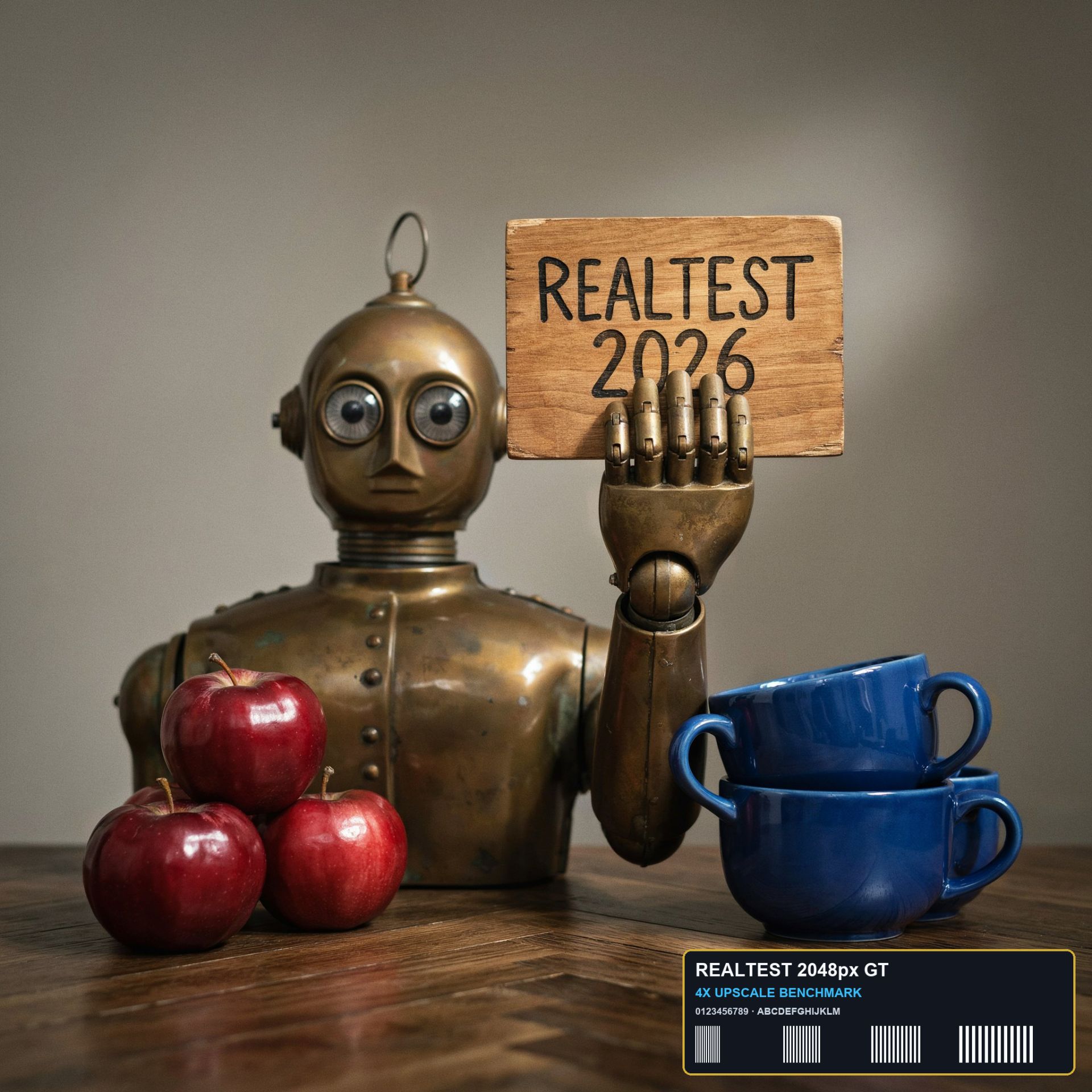
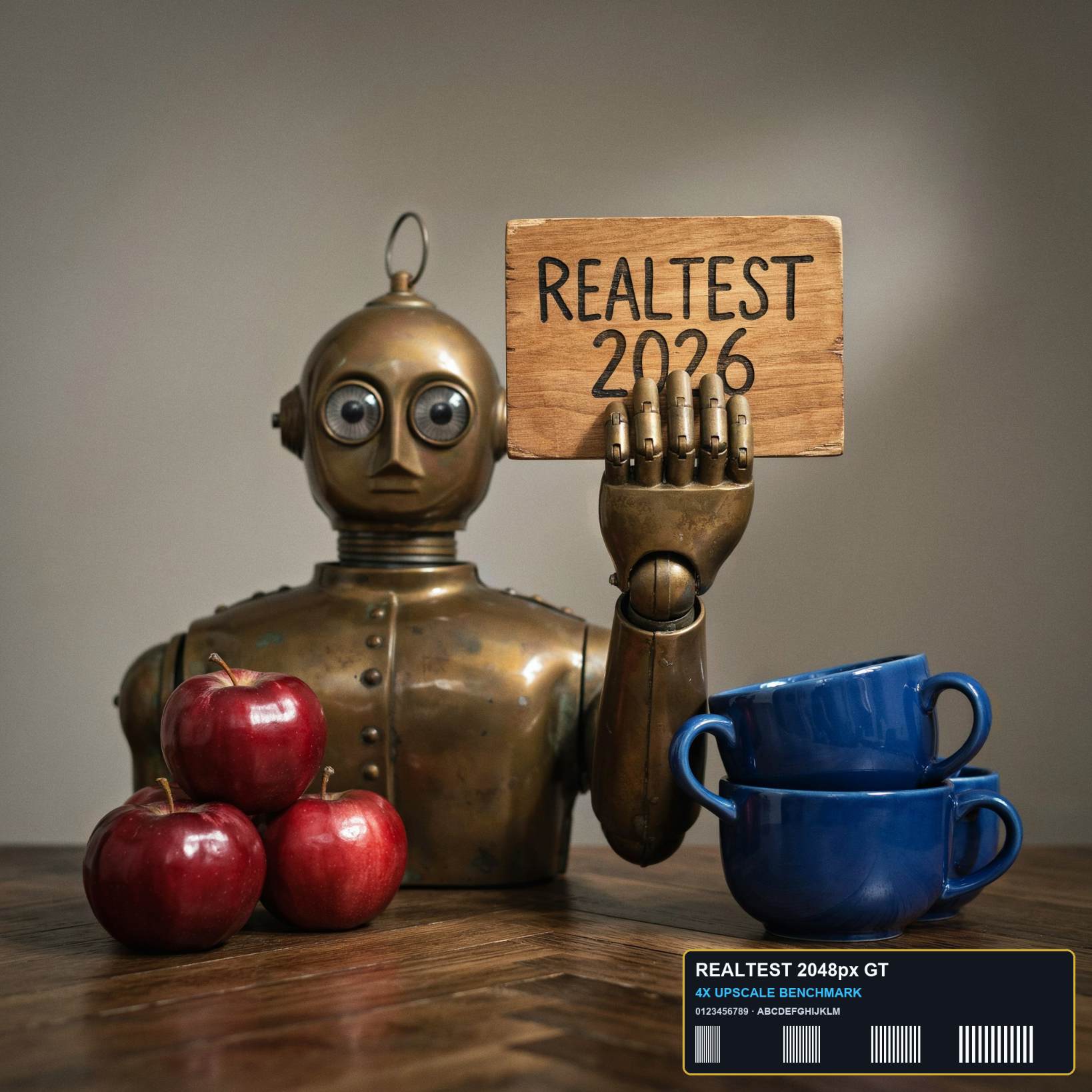
| Original historical observation | Opened /tools/image-compressor/, uploaded the 2048x2048 PNG master (4,137.9 KB), compressed locally in 0.53s using defaults (80% quality, 1920px max-width, JPG), and downloaded a 392.9 KB 1920x1920 watermark-free JPEG (PSNR 35.3 dB, SSIM 0.9959, -90.5%). | Uploaded the 2048x2048 PNG master (4,137.9 KB) without login, ran default 200 KB target compression locally in ~1.54s, and exported a 1638x1638 watermark-free JPEG (195,069 bytes / 190.5 KiB, -95.4%) with 33.51 dB PSNR and 0.9938 SSIM. |
|---|
| Suitable uses · historical assessment | Privacy-focused users wanting instant zero-login file-size reduction for web photos who accept or adjust the default 1920px JPEG preset. | Privacy-conscious users who need an ID photo or document image compressed under a strict KB upload limit (100/200/500 KB) without uploading files to any server. |
|---|
| Result & output evidence | | |
|---|
| Delivery capabilities |
|---|
| Recorded export specifications | JPEG · Output attached · No watermark in test | JPEG · Output attached · No watermark in test |
|---|
| Historical specification note · not an official maximum | 1920x1920 watermark-free JPEG (392.9 KB under default 1920px max-width; PNG/WebP and higher width selectable) | 1638x1638 watermark-free JPEG (190.5 KiB / 195.1 KB under default 200 KB target) |
|---|
| Watermark observation | | |
|---|
| Batch & API | Single-image compression here; separate batch page supports up to 5 images via Web Worker | Single-image side-by-side comparison UI; no public API |
|---|
| Recorded free-tier dimensions | | |
|---|
| Attached file dimensions | | |
|---|
| Speed & reliability |
|---|
| Timing observation | Recorded local processing time: 0.53s · End-to-end reference: 0.53s | Recorded local processing time: 1.54s · End-to-end reference: 1.54s |
|---|
| Date & fixture | 2026-11-20 · anchor_compress_v1 · US-West (California) | 2026-11-21 · anchor_compress_v1 · US-West (California) |
|---|
| Repeated tests & reliability | No standardized repetition count, success rate or variability range is recorded. | No standardized repetition count, success rate or variability range is recorded. |
|---|
| Interaction experience |
|---|
| Account requirements | | |
|---|
| Sign-in methods | No account or sign-in required for guests | No account or sign-in required |
|---|
| Manual adjustment | | |
|---|
| Interaction observations | | |
|---|
| Background & reputation |
|---|
| Service lifecycle notice | | |
|---|
| Operator | | |
|---|
| Recorded origin | | |
|---|
| Domain history record | | |
|---|
| Background & reputation assessment | | |
|---|
| External reputation record | | |
|---|
| Engineering & privacy |
|---|
| Processing location | | |
|---|
| Third-party tracking record | Cloudflare Web Analytics · Google Analytics 4 · Baidu Tongji | Google Analytics · Cloudflare Web Analytics |
|---|
| Engineering & privacy assessment | | |
|---|
| Retention statement | This flow runs locally; post-close deletion not independently verified | This flow runs locally; post-close deletion not independently verified |
|---|
| Evaluation basis |
|---|
| Pricing transparency | | |
|---|
| Interaction restraint | | |
|---|
| Background & reputation | | |
|---|
| Engineering & privacy | | |
|---|
| Task quality | 54 / 65 Size Reduction: -90.5% (4137.9 KB → 392.9 KB, 10.53× ratio) · PSNR: 35.3 dB · SSIM: 0.9959 Scores & evidence → | 52 / 65 Size Reduction: -95.4% (4137.9 KB → 190.5 KB, 21.72× ratio) · PSNR: 33.51 dB · SSIM: 0.9938 Scores & evidence → |
|---|
| Deliverable specifications | 17 / 20 Watermarked or blocked free export (0/8); Export spec: 1920x1920 watermark-free JPEG (392.9 KB under default 1920px max-width; PNG/WebP and higher width selectable) Scores & evidence → | 15 / 20 Watermarked or blocked free export (0/8); Export spec: 1638x1638 watermark-free JPEG (190.5 KiB / 195.1 KB under default 200 KB target) Scores & evidence → |
|---|
| Processing speed | 15 / 15 Network-observed server wait: 0.53s (API mode: client_side; network upload 0s / end-to-end 0.53s shown for reference only, never penalized) Scores & evidence → | 15 / 15 Network-observed server wait: 1.54s (API mode: client_side; network upload 0s / end-to-end 1.54s shown for reference only, never penalized) Scores & evidence → |
|---|